Website Design Trends to Watch for the Next 5 Years

Website Design Trends to Watch for the Next 5 Years

The world of website design is always changing, and keeping up with the latest trends can help make sure your site looks good, works well, and stays relevant.

Whether you’re just starting out or thinking about updating your website, knowing what’s ahead will help you make smart choices. Let’s go through the key website design trends to look out for over the next five years.

1. Simple and Clean Designs (Minimalism)

More websites are now focusing on simple, clean layouts. This means removing anything that isn’t needed so visitors can find what they’re looking for quickly and easily.

  • Less clutter – Fewer buttons, fewer distractions, and just the important stuff.

  • Easy navigation – Menus that make sense and are simple to use.

  • White space – Giving content room to breathe so pages don’t feel crowded.
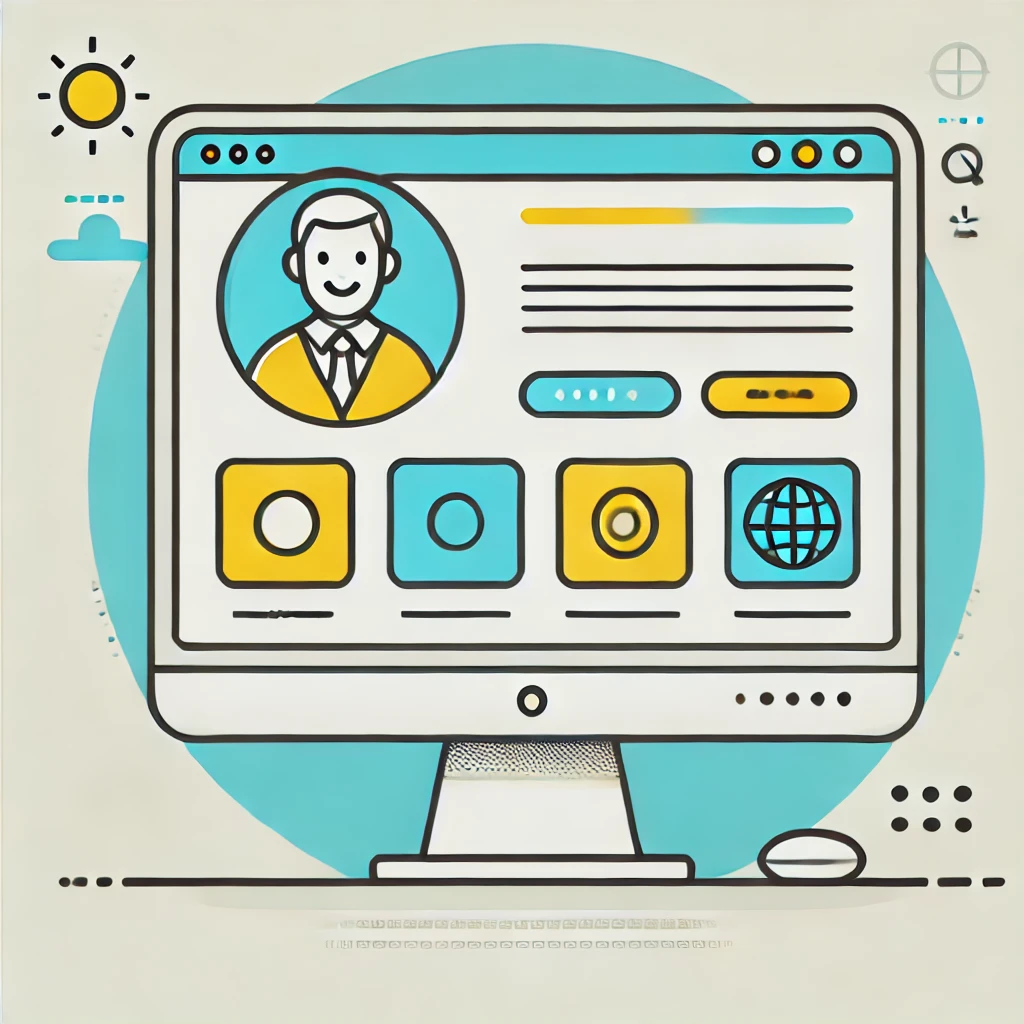
Clean and simple design

Having a clean design also means your website will load faster, which is really important.

No one likes waiting for a slow website to load, especially on a mobile phone. A fast website keeps visitors happy and makes them more likely to stay.

2. Making Websites More Engaging

Websites aren’t just about reading text anymore. Adding small, interactive elements can make them more enjoyable to use. Here’s how websites are becoming more engaging:

  • Small animations (micro-interactions) – When you hover over a button and it changes slightly, that’s a micro-interaction. It makes a site feel more alive.
  • Personalised content – Some websites now show different content depending on what users like and what they’ve looked at before.
  • Augmented Reality (AR) and Virtual Reality (VR) – Some websites let you try on clothes virtually or see what furniture would look like in your home.
  • Interactive storytelling – Instead of just reading a story, users can scroll through and see animations or videos that bring the story to life.

3. Eco-Friendly Websites

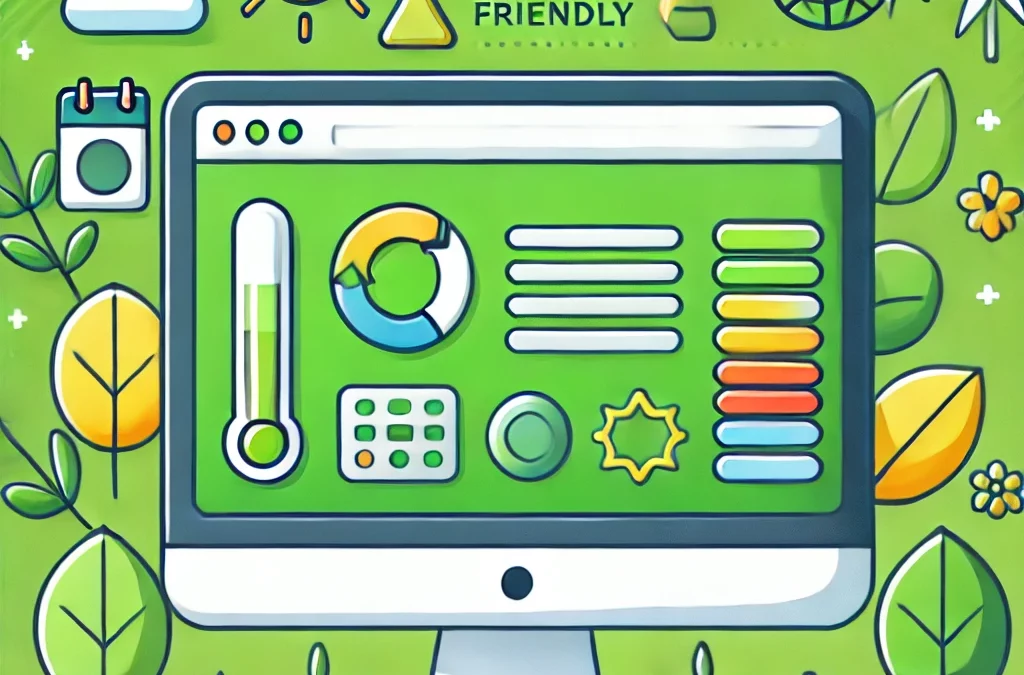
More businesses are thinking about their impact on the environment, and that includes their websites. Sustainable web design means making websites that use less energy and load faster, which is good for both the planet and users.

  • Eco-friendly web hosting – Some companies now offer web hosting powered by renewable energy.
  • Optimised images and files – Reducing the size of images and files means websites load faster and use less energy.
  • Simple website designs – Using reusable design elements means less data is needed to run the website, making it more efficient.
  • Green branding – Customers like businesses that care about the environment, and an eco-friendly website can help build trust with your audience.
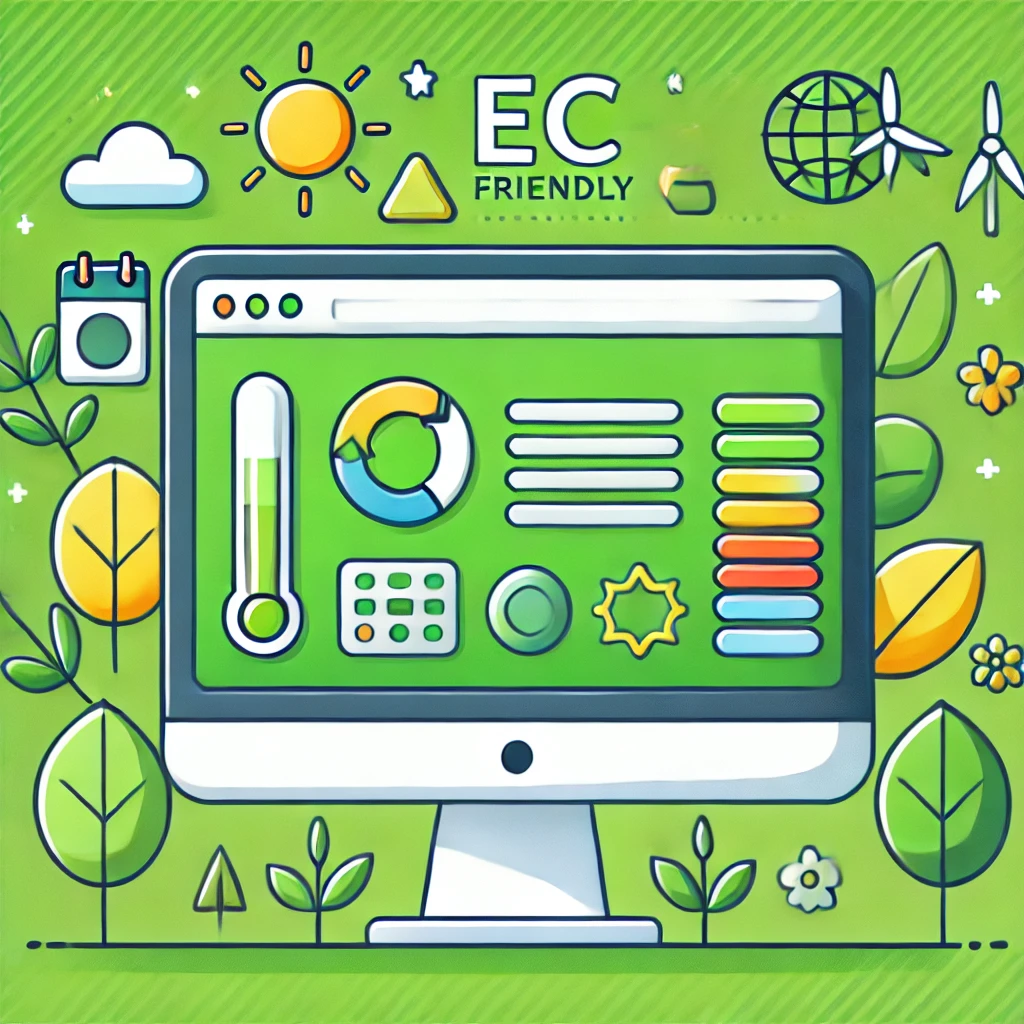
eco friendly

4. AI-Powered Features

Artificial Intelligence (AI) is becoming a big part of web design, making websites smarter and easier to use. Here are some ways AI is helping:

  • Chatbots – AI-powered chatbots can answer customer questions at any time, even when you’re not available.
  • Smart recommendations – Websites can suggest products or articles based on what a visitor has looked at before.
  • Automated design tools – AI can help beginners create websites by automatically choosing colours, layouts, and fonts.
  • Voice search – As more people use voice assistants like Alexa and Siri,

5. Making Websites Easier for Everyone to Use

Websites should be easy for everyone to use, including people with disabilities. More websites are now focusing on accessibility, which means making sure that everyone, no matter their abilities, can navigate and use them.

  • Clear, readable fonts – Choosing text that’s easy to read.
  • Keyboard-friendly navigation – Some users rely on a keyboard instead of a mouse.
  • Alt text for images – Writing descriptions for images so that visually impaired users can hear what’s on the screen using a screen reader.
  • Simple user journeys – Making it easy for visitors to find what they need without confusion.

And Finally...

Website design is always evolving, but the key trends for the future are simple layouts, interactive features, eco-friendly design, AI tools, and better accessibility. By keeping up with these changes, you can make sure your website is easy to use, fast, and enjoyable for visitors.

Take your time exploring these trends and think about how they might work for your website. A well-designed site makes a great first impression and helps visitors feel comfortable and engaged.

Here’s a little transparency: My website contains affiliate links. This means if you click and make a purchase, I may receive a small commission. Don’t worry, there’s no extra cost to you. It’s a simple way you can support my mission to bring you quality content.
AI for Beginners: How It Can Boost Your Online Business

AI for Beginners: How It Can Boost Your Online Business

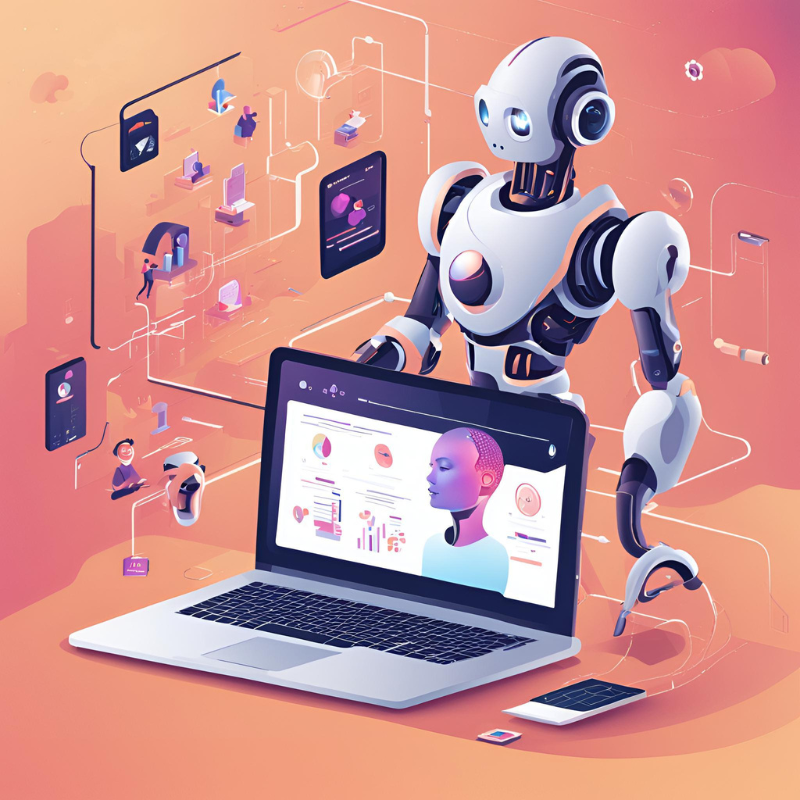
The term Artificial Intelligence (AI) might sound complex, but at its core, it’s simply about machines learning to think and make decisions like humans.

AI can help your online business by automating tasks, improving customer experience, and making your marketing efforts more effective.

Let’s break it down into simple, practical steps that you can use to grow your online presence.

A Quick Look at AI: Then and Now

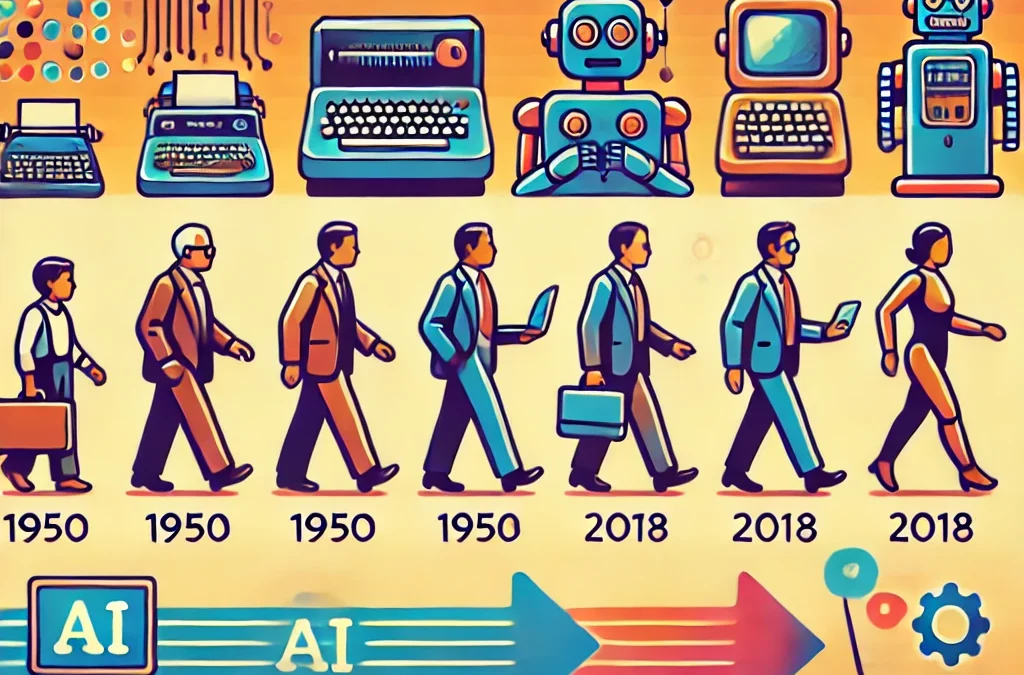
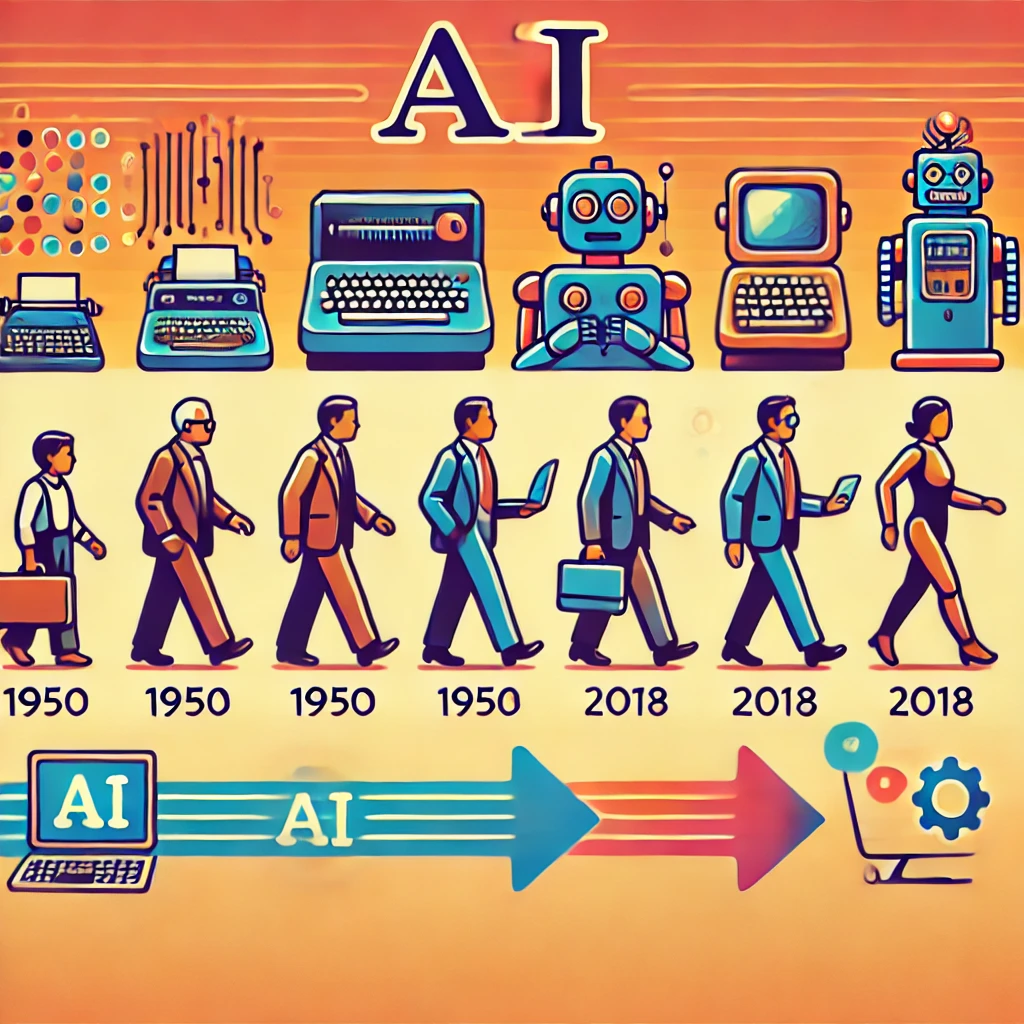
AI isn’t new.

It started as an idea in the 1950s, but today, it’s a real game-changer in business. What was once a futuristic dream is now something businesses of all sizes can use.

AI is no longer just for tech giants – it’s available in tools you can start using today to make running your business easier and more efficient.

AI Then and now

How AI Can Improve Customer Experience

One of the biggest advantages of AI is its ability to improve the way customers interact with your business. Here are a few ways AI can make a difference:

  • Personalised Recommendations – AI analyses customer data to suggest products or content based on their preferences. This means customers see things that are actually relevant to them, making them more likely to buy.
  • AI-Powered Chatbots – These virtual assistants can answer customer questions 24/7, giving instant replies and freeing up your time.
  • Predicting Customer Needs – AI studies customer behaviour and helps businesses anticipate what people want before they even realise it themselves.

Making Business Operations Smoother with AI

AI isn’t just about customer experience – it can also help behind the scenes, making your business more efficient.

  • Automating Repetitive Tasks – AI tools can handle things like scheduling social media posts, sending emails, or managing stock levels, saving you hours of manual work.
  • Smarter Inventory Management – AI can predict which products will be popular and help ensure you don’t run out or overstock items.
  • Better Decision-Making – AI analyses large amounts of data and provides insights to help you make smarter business choices without relying on guesswork.
AI streamlining

AI-Driven Marketing Strategies

If you want to reach the right people with your marketing, AI can help.

  • Targeted Ads – AI ensures your ads reach the people most likely to be interested in your products or services, meaning better results for less money.
  • Predicting Trends – AI can spot patterns in customer behaviour, helping you stay ahead of market trends rather than just reacting to them.
  • Real-Time Analytics – AI collects and analyses data instantly, so you can adjust your marketing campaigns quickly if needed.

AI Tools You Can Use Today

If you’re wondering where to start, here are some beginner-friendly AI tools that can help with different aspects of your business:

  • ChatGPT – Great for content creation, customer service support, and automating responses.
  • Grammarly – Helps improve writing quality by checking grammar, spelling, and tone.
  • Shopify AI – Perfect for e-commerce businesses looking for smart product recommendations and inventory management.
  • Google Analytics AI – Helps track and analyse website visitor behaviour to improve engagement and conversions.

How to Get Started with AI

Not sure where to begin? Here’s a simple step-by-step guide:

  1. Identify what you need help with – Do you need better marketing, improved customer service, or help managing stock? Start by focusing on one area.
  2. Choose an AI tool – Look for a free or affordable AI tool that fits your needs (see the list above for ideas).
  3. Test it out – Start small and experiment with the AI tool to see how it works for your business.
  4. Keep the human touch – AI is a great assistant, but personal engagement is still key to building trust with your customers.

Addressing Common AI Myths

There are a few common misconceptions about AI that might make people hesitant to use it. Let’s clear them up:

  • “AI will take over my business” – AI is here to help, not replace you. It’s a tool to assist, not run everything on its own.
  • “AI is too expensive” – Many AI tools are free or offer budget-friendly plans for small businesses.
  • “AI is complicated” – Most modern AI tools are designed to be user-friendly and easy to set up, even for beginners.
AI MYTHS

The Challenges of Using AI

While AI offers many benefits, it’s important to be aware of some challenges:

  • Privacy Concerns – Customers want to know their data is safe. If you use AI, be transparent about how you’re collecting and using information.
  • Bias in AI Systems – AI can sometimes reflect biases in the data it learns from, leading to unfair results. Businesses need to check that AI tools are being used fairly and ethically.
  • Keeping a Human Touch – AI can automate many processes, but customers still appreciate genuine human interaction. The key is to use AI to support your business, not replace the personal connections that build trust.

And Finally...

AI isn’t just a flashy new technology – it’s a powerful tool that can make running your online business easier and more successful.

Whether it’s automating tasks, improving customer service, or refining your marketing strategy, AI offers practical benefits that anyone can use, even if you’re just starting out.

Take your time to explore AI tools that fit your needs, and you’ll soon see how they can help your business grow.

Here’s a little transparency: My website contains affiliate links. This means if you click and make a purchase, I may receive a small commission. Don’t worry, there’s no extra cost to you. It’s a simple way you can support my mission to bring you quality content.
How to Keep Your Website Running Smoothly in 2025 and Beyond

How to Keep Your Website Running Smoothly in 2025 and Beyond

Keeping your website up to date isn’t just a good idea—it’s essential. A modern website should be easy to use, secure, and ready for whatever the future brings. In 2025 and beyond, keeping your site fresh means making the most of new technology, updating content regularly, and making sure everything runs smoothly behind the scenes. Let’s go through some simple steps to keep your website in top shape.

1. Website Design: More Than Just Looks

A good-looking site is important, but it’s not just about design anymore. Your website needs to be fast, easy to use, and adaptable to new technology.

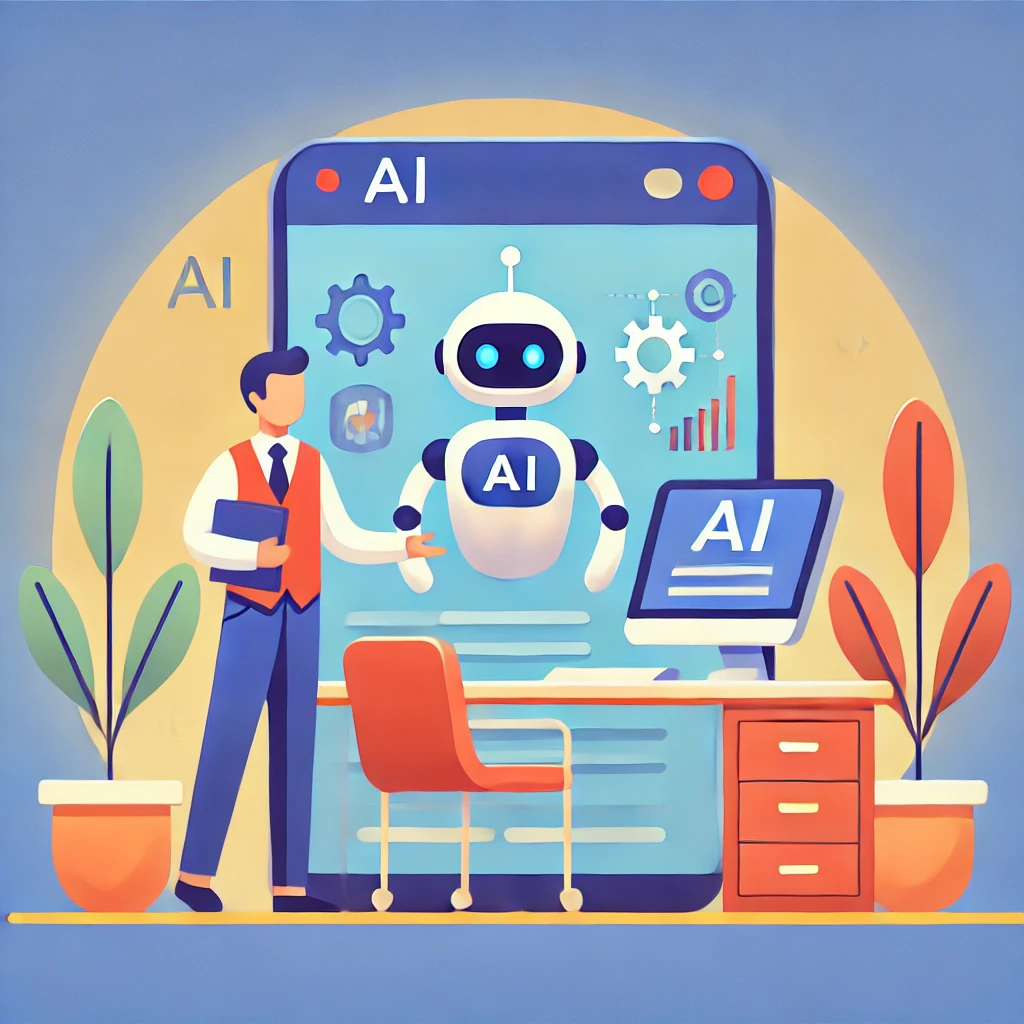
One big game-changer is AI. Websites are becoming more personalised, adjusting content based on who’s visiting.

Imagine landing on a website that changes its layout and suggestions to suit your interests—this is where we’re headed.

Future of AI in websites

Then there’s responsive design. We’re not just talking about making your site look good on mobiles. With new devices like foldable screens popping up, your site needs to be flexible and work well on all sorts of gadgets. Modular design helps with this, allowing websites to adapt quickly to different screens.

And don’t ignore Augmented Reality (AR) and Virtual Reality (VR). More websites are using these technologies to create interactive experiences. Whether it’s letting users preview furniture in their home or offering virtual store tours, AR and VR can help make your website stand out.

2. Keeping Your Content Fresh

Outdated content can make your site feel abandoned. Keeping things fresh helps keep visitors engaged and improves your search rankings. Here’s how:

  • Know what your audience wants – Look at what’s popular on your site and create more of that type of content.
  • Mix things up – Blogs are great, but try adding videos, interactive quizzes, or even live Q&A sessions to keep things interesting.
  • Stay on top of SEO – Google’s algorithms change all the time, so update your content to stay relevant.
  • Use AI tools – AI can help you suggest content, automate updates, and even personalise recommendations for visitors.

A good content management system (CMS) makes updating your site much easier. Platforms like WordPress allow you to schedule posts, automate updates, and keep everything organised.  This is a ‘WordPress’ Website using Divi from Elegant Themes.

3. Technical Maintenance: Security, Speed, and Compatibility

What is a secure website?

A slow, outdated website is frustrating for visitors. To keep things running smoothly:

  • Stay on top of security – Cyber threats are always evolving. Make sure your website has the latest security updates, strong passwords, and multi-factor authentication.
  • Speed things up – A slow website can turn visitors away. Using HTTP/3 and optimising images and code can make a big difference.
  • Check compatibility – With new devices and browsers appearing all the time, regular testing ensures your site works everywhere.
  • Automate updates – Where possible, schedule system updates so you’re not stuck doing everything manually.

4. User Experience: Keep It Simple

When it comes to web design, less is often more. A cluttered site can overwhelm visitors and slow things down. Minimalist design isn’t just a trend—it’s practical. A simple layout makes it easier for users to find what they need, improving engagement and reducing bounce rates.

Adding interactive elements like chatbots, quick contact forms, and AI-driven recommendations can make your site more user-friendly, but don’t overdo it. Keep things functional without making navigation confusing.

5. Future-Proofing Your Website

Technology moves fast, and the best way to stay ahead is to be prepared for change. Here’s what you can do:

  • Embrace AI and automation – AI can help automate customer support, suggest content, and improve user experience.
  • Optimise for voice search – More people are using smart assistants like Alexa and Google Assistant. Make sure your content is easy to find using voice search.
  • Keep an eye on analytics – Regularly check what’s working (and what’s not) so you can make improvements.
  • Be open to new tools – Websites aren’t ‘set and forget’ projects. Keep testing and tweaking to stay ahead of the competition.

And Finally…

A well-maintained website keeps visitors happy, improves search rankings, and helps your business grow.

Keeping things updated doesn’t have to be complicated—just focus on fresh content, smart design, and regular maintenance.

Here’s a little transparency: My website contains affiliate links. This means if you click and make a purchase, I may receive a small commission. Don’t worry, there’s no extra cost to you. It’s a simple way you can support my mission to bring you quality content.

Commission Hero vs Wealthy Affiliate: Which is Right for You?

Commission Hero vs Wealthy Affiliate: Which is Right for You?

If you’re looking to start making money online through affiliate marketing, you may have come across two well-known programmes: Commission Hero and Wealthy Affiliate. Both aim to help beginners, but they take very different approaches.

In this guide, I’ll explain how each one works, their pros and cons, and which might suit you best.

Commission Hero or wealthy affiliate

What is Commission Hero?

Commission Hero was created by Robby Blanchard, an experienced affiliate marketer. He made his name by winning major affiliate marketing competitions and later developed a course to share his strategies.

At its core, Commission Hero is all about affiliate marketing. This means promoting products for companies and earning a commission when someone makes a purchase through your unique link. The programme provides:

  • Step-by-step video tutorials on running Facebook ads
  • Advice on choosing profitable affiliate offers
  • Strategies for scaling successful campaigns
  • Access to a private support group

The idea is to generate sales quickly, but this method requires an upfront investment, both in the course itself and in advertising costs. Some people find success, while others struggle to make their ads profitable.

How Effective is Commission Hero?

Commission Hero has helped some people earn money through affiliate marketing, but it’s not without challenges. Beginners may find the learning curve steep, as running paid ads successfully takes practice and ongoing testing. It’s important to:

  • Choose the right products to promote
  • Learn how to optimise Facebook ads
  • Continuously tweak strategies based on performance data

Another factor to consider is cost. The course isn’t cheap, and advertising costs can add up quickly. There’s no guarantee of success, and results will depend on how well your ads perform. Some users achieve great earnings, while others find it difficult to get a return on their investment.

Ethical marketing is also something to keep in mind. Responsible promotion is key to building trust, and overhyping products can harm your credibility in the long run.

What is Wealthy Affiliate?

Wealthy Affiliate takes a different approach, focusing on organic traffic instead of paid ads. Rather than spending money on advertising, the platform teaches you how to attract visitors through search engines by creating helpful content. It offers:

  • Step-by-step training on building a website and writing content
  • Website hosting and domain services
  • Keyword research tools
  • A supportive online community

This method takes longer to generate income, but it comes with fewer financial risks since there’s no need to invest in ads.

wealthy affiliate going up

Challenges of Wealthy Affiliate

While Wealthy Affiliate offers a structured learning experience, it requires patience. SEO (search engine optimisation) can take months to drive consistent traffic to a website, and writing content regularly is a key part of this approach.

The benefits are that once traffic starts coming in, it can lead to steady, long-term earnings without ongoing advertising costs.

What to Expect as a Beginner?

If you’re just starting out, here’s what to realistically expect from each platform in your first few months:

  • Commission Hero: You’ll need to test multiple ads before finding what works. Expect to spend money on ads without guaranteed profits in the beginning.
  • Wealthy Affiliate: Progress may feel slow as you build your website and wait for content to rank on search engines, but you won’t have to worry about spending money on ads.

Time Commitment

Both methods require effort, but the daily routine differs:

  • Commission Hero: You’ll spend time setting up and tweaking Facebook ads, tracking performance, and optimising your approach.
  • Wealthy Affiliate: You’ll focus on writing content, researching keywords, and gradually building up your website’s authority.

Alternative Options to Consider

While Commission Hero and Wealthy Affiliate are popular, they aren’t the only affiliate marketing programmes available. Here are some alternatives:

  • Authority Hacker – Great for those who want to focus on SEO-driven affiliate websites and content marketing.
  • Super Affiliate System – A paid ads-based training similar to Commission Hero but covering multiple ad platforms, not just Facebook.

How Do They Compare?

Feature Commission Hero Wealthy Affiliate
Main Strategy Facebook Ads SEO & Content Marketing
Cost High (course + ad spend) Lower (monthly membership)
Speed of Results Faster (if ads work) Slower, but more sustainable
Risk Level Higher (ad costs, rule changes) Lower (no ad spend needed)
Support Private Facebook group Large online community

Is Commission Hero Right for You?

Deciding whether Commission Hero is a good fit depends on your budget, risk tolerance, and preferred learning style:

  • If you have money to invest and want faster results, Commission Hero could work for you.
  • If you prefer a lower-risk, long-term approach, Wealthy Affiliate is worth considering.

For complete beginners, Wealthy Affiliate might be the easier starting point, as it doesn’t require extra spending on ads. However, those willing to test and refine paid ads may find success with Commission Hero.

And Finally…

Both programmes offer a way to make money online, but neither guarantees instant success. Affiliate marketing takes time, effort, and ongoing learning. If you choose Commission Hero, be prepared for the financial risks involved in paid advertising. If you choose Wealthy Affiliate, be patient with the process of building organic traffic.


Here’s a little transparency: My website contains affiliate links. This means if you click and make a purchase, I may receive a small commission. Don’t worry, there’s no extra cost to you. It’s a simple way you can support my mission to bring you quality content.
Staying Focused on Your Website Project:A Checklist

Staying Focused on Your Website Project: A Checklist

Working on your website can be exciting, but staying focused can be a challenge, especially with the temptation of “shiny objects.”

Here’s a practical checklist to keep you on track and make steady progress.

1. Set Clear Goals

  • Break Down the Project:
    • Divide your website project into smaller, manageable tasks.
    • Assign specific deadlines to each task to stay on schedule.
  • Prioritize Tasks:
    • Use a priority matrix (e.g., urgent vs. important) to decide what needs immediate attention.
    • Focus on high-impact activities that drive progress.
  • Define the End Goal:
    • Visualize what success looks like for your website (e.g., fully functional design, 10 published blog posts).
    • Write this vision down and keep it where you can see it regularly.

2. Create a Roadmap

  • Timeline:
    • Develop a clear timeline for your project phases and stick to it.
    • Include key milestones, such as finishing the homepage or setting up SEO.
  • Use Tools:
    • Organize tasks and milestones with project management tools like Trello, Asana, or Notion.
    • Break tasks into actionable steps (e.g., “write content for About page” or “optimize images”).
  • Accountability:
    • Share your roadmap with a colleague, mentor, or friend who can check in and hold you accountable.

3. Set Boundaries for Exploration

  • Limit New Ideas:
    • Keep a “shiny object” journal where you jot down new ideas but avoid acting on them until the current phase is complete.
  • Timebox Exploration:
    • Allocate specific times (e.g., 30 minutes weekly) to explore trends or tools. Stick to the limit to avoid getting sidetracked.

4. Avoid Distractions

  • Eliminate Interruptions:
    • Turn off non-essential notifications on your phone and computer.
    • Close unnecessary browser tabs and apps during work sessions.
  • Set Up Your Environment:
    • Work in a clean, quiet space to minimize distractions.
    • Use noise-canceling headphones or focus playlists if helpful.

5. Automate & Delegate

  • Automation:
    • Use tools to handle repetitive tasks, such as scheduling social media posts or automating email responses.
    • Set up auto-publish features for your website or blog to save time.
  • Delegation:
    • Delegate tasks you find time-consuming or less enjoyable, like graphic design or content editing, to freelancers or team members.

6. Use Rewards and Breaks

  • Reward Progress:
    • Celebrate milestones with small rewards, like a favorite snack, a relaxing walk, or watching a favorite show.
  • Pomodoro Technique:
    • Work for 25 minutes on a task, then take a 5-minute break.
    • Use longer breaks (15-30 minutes) after completing several cycles.

7. Reflect Regularly

  • Daily Review:
    • At the end of each day, list what you accomplished and set priorities for tomorrow.
  • Weekly Check-ins:
    • Reflect on your overall progress toward your website goals.
    • Adjust priorities or timelines as needed to stay aligned with your vision.

And Finally…

This checklist can help you stay focused and productive while working on your website. Remember, consistency and intentionality are key to avoiding distractions and achieving your goals. Keep taking small steps forward—you’ve got this!