What makes a good website for business?

What makes a good website for business?

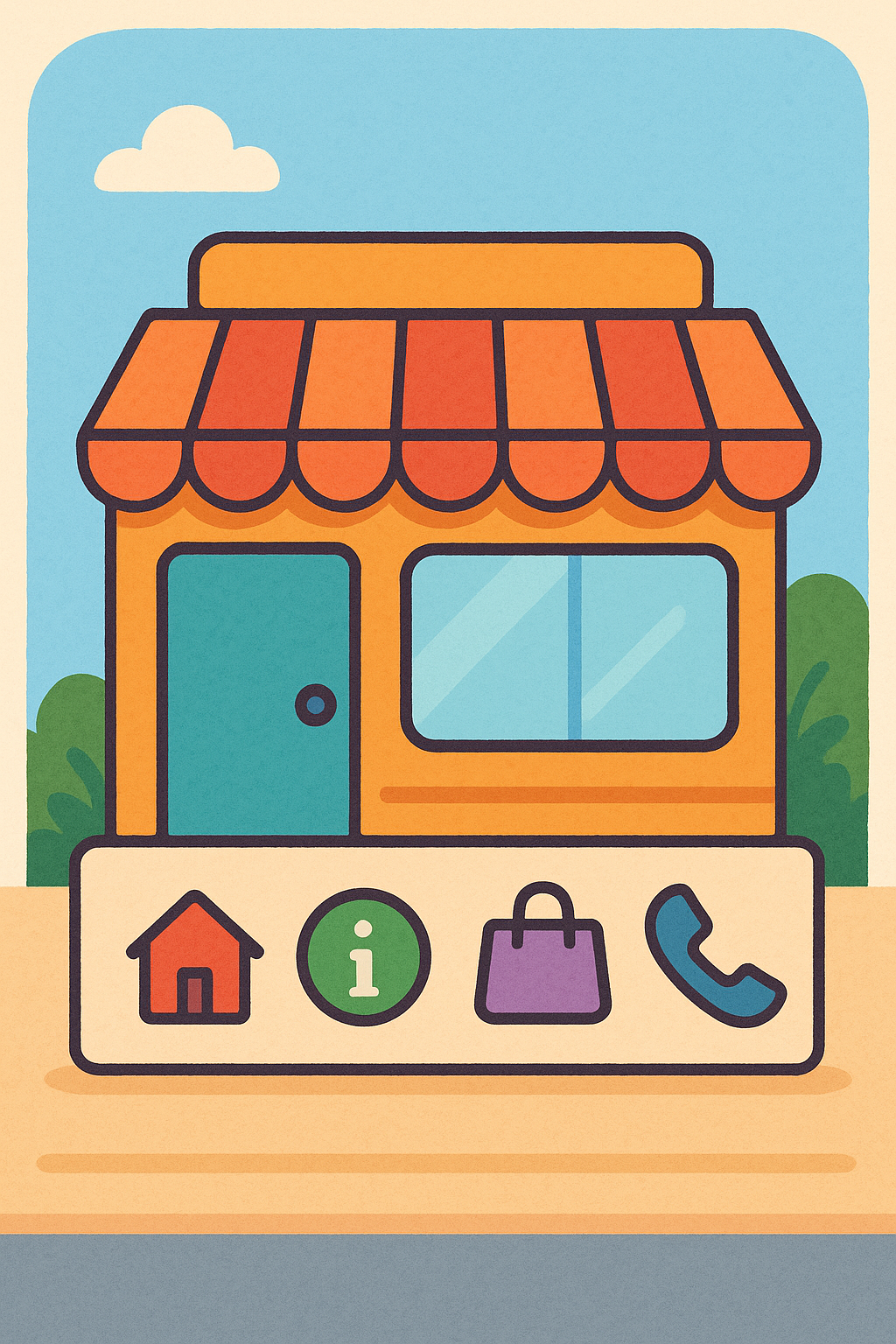
Your website is like your shop window on the internet — it’s often the very first impression someone gets of your business. And just like a real shop window, it needs to feel welcoming, clear, and helpful.

But what makes a good website for business?
It’s not just about looking nice. It’s about helping visitors understand what you do, why it matters, and how they can take the next step with you — whether that’s booking a service, making a purchase, or simply getting in touch.


Why Your Business Website Matters

Having a website today is essential. It’s your digital handshake — the way you greet people online. Even if your business is small, local, or just starting out, your website works for you all day everyday  reaching people who might never walk past your door in person.

A good website:

  • Helps customers learn about your business

  • Builds trust and credibility

  • Answers common questions for you (which saves time!)

  • Encourages people to take action

And done well, your website becomes the hardest-working tool in your business.
What makes a good website for business?

What Makes a Good Website for Business? (The Big Picture)

Before we think about design, buttons, or colours, it helps to know the purpose of your website.

Ask yourself:

  • Do you want to sell products or services?

  • Do you want to collect enquiries or consultations?

  • Do you want to educate or inform people?

  • Or a bit of everything?

Once you’re clear on the goal, everything else becomes easier.

Your website should:

  • Make it clear what you do

  • Explain who you help

  • Show how to get started

If a visitor lands on your site and can’t answer those questions within a few seconds, they’ll likely click away.

Essential Features Every Business Website Should Have

There are a few core elements that really matter — especially if you’re just getting started.

1. Clear and Simple Navigation

Think of your website like a shop layout.
If visitors feel lost, confused, or overwhelmed, they’ll leave.
Keep your menu short, clear, and obvious.

Good menu examples:

  • Home

  • About

  • Services / Shop

  • Contact
What makes a good website for business

2. Helpful, Human Content

Your website’s content should:

  • Speak directly to your ideal customer
  • Answer questions before they’re asked
  • Show how you solve problems

And remember — simple language is powerful.
Write like you talk.

3. Mobile-Friendly Design

Most people browse on their phones.
So your website needs to:

  • Display correctly on small screens 
  • Have easy-to-tap buttons 
  • Load quickly 

If someone has to zoom in to read… they won’t.

4. Clear Calls-to-Action (CTAs)

Your website should gently guide visitors to do something, such as:

  • Book a call 
  • Join your list 
  • Buy now 
  • Request a quote 

Make your Call To Action buttons:

  • Clear 
  • Visible 
  • Repeated throughout the page 

5. Trust & Security

People need to feel safe when interacting with you online.

This includes:

  • SSL certificate (the padlock in the address bar) 
  • Professional email address (not a Hotmail if possible) 
  • Customer testimonials 
  • Clear contact details (not hidden!) 

Trust makes the difference between someone browsing… and someone buying.

Creating a User-Friendly Design

having a smooth ride

Design is not just about looking nice.
It’s about making the visitor’s experience easy.

Here’s what helps:

  • Clean layouts (not too busy)

  • Readable text sizes

  • Consistent colours that match your brand

  • Fast loading pages (slow sites lose visitors)

When in doubt: less is more.

Visitors should feel relaxed and guided, not overwhelmed.

Building Trust and Credibility Online

Trust is everything online — especially for small businesses.

You can build trust by including:

  • Testimonials or reviews
  • Case studies or real examples
  • Photos of you or your team (real people  not stock images)
  • Clear contact details
  • Regularly updated content
  • Having a clear Privacy Policy

If your website looks abandoned, search engines and visitors both notice.

Your Website Should Grow as Your Business Grows

This is a big one.

A website is not a “set it and forget it” project.

Just like a garden, it needs:

  • Fresh content

  • Occasional pruning

  • Light care and updates

If left untouched for months or years, it becomes outdated and hidden in the “quiet corners” of the search engines.

Small, simple updates every now and then go a long way.
What makes a good website for business| like a garden

And Finally...

Creating a business website might feel like a lot at first, but you don’t have to get everything perfect straight away. Start with clear information, simple design, and genuine human connection — and you’ll already be ahead of most.

I’d love to know:

What part of building your website feels most confusing right now?
Or if you’re already running one, what’s one thing you’d like to improve next?

Share in the comments — I’d love to support you step by step.

Here’s a little transparency: My website contains affiliate links. This means if you click and make a purchase, I may receive a small commission. Don’t worry, there’s no extra cost to you. It’s a simple way you can support my mission to bring you quality content.”
Introduction To Websites: Understanding The Basics

Introduction To Websites: Understanding The Basics


The Beginnings

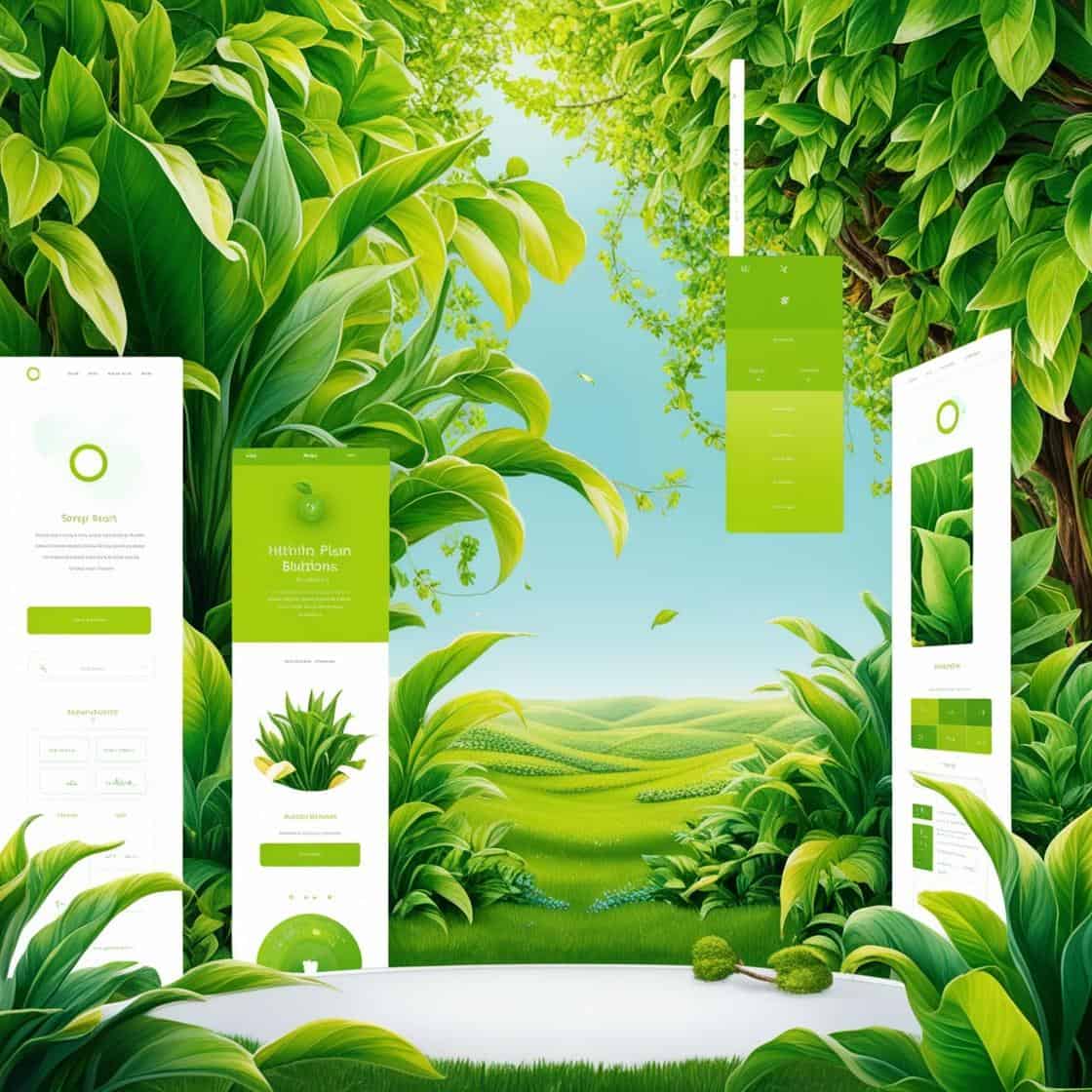
the creation of a website in a green world

This introduction to websites is designed especially for beginners—no confusing jargon, just clear, simple explanations to help you get started.

A website is your digital home base. It’s this collection of related web pages that share a single domain name, like getonlinestepbystep.com. Think of it as a book with several chapters, where each web page is a chapter that holds specific content or information.

Websites and web pages are closely related but not the same. Whilst the website is the entire collection, each page acts like a sheet from a book, containing its slice of the action or information. Pages could be for your services, team members, or maybe a blog.

In everyday life, websites are all around us – from buying groceries online to checking the latest news. We engage with them to accomplish tasks, learn new things, or even for plain entertainment. It’s hard not to use one these days!

At the heart of a website are elements like domains, hosting, and navigation. These may be unfamiliar terms but they will all be explained in detail, I promise.

Basically,

The domain is your website’s name, like an address on the web.

Hosting is the land on which your website stands; it needs this to be publicly accessible.

Navigation helps folks move around your site without feeling lost.

And then there’s content, the meat of your website – text, images, videos – that draws people in and keeps them engaged. This content isn’t just filler; it’s what offers value, tells your story, and ultimately hooks visitors to your site. Understanding these basics sets a solid foundation as you venture into creating your first online presence.

Website Anatomy: Breaking Down the Basics

As part of your introduction to websites, getting the hang of a website’s layout and design is crucial.

At its core, a website’s structure decides how content is displayed and how users interact with it. From headers to footers, and everything in between – these elements make the online experience seamless.

Content truly rules the web. Whether it’s engaging blog posts, attention-grabbing images, or captivating videos, these components form the essence of any website. They guide visitors, deliver key messages, and keep them coming back for more.

User Experience, or UX, is all about ensuring your website is easy and enjoyable to navigate. Smooth transitions, logical menu structures, and straightforward calls to action make browsing a breeze. A good UX means visitors feel at home while exploring.

Responsive design is another handy concept to grasp. It ensures your site looks great on any device, whether it’s a smartphone, tablet, or desktop. With more folks browsing on phones these days, making your site mobile-friendly is more vital than ever.

friendly mobile phone

Finally, hyperlinks are the web’s very own connective tissue (The hyperlinks on this page are highlighted in red). These links weave pages together, guiding users to where you want them to go. They might connect different parts of your site, or even link to external sources, enriching your content.

This interconnectedness is what makes exploring the web an endless journey. The words and phrases on this site that are green are hyperlinks which take you to another page on this site or another site. They may be to help you understand in more detail, send you to an offer or giving you a different perspective on a topic.

What Are the Benefits? Small Business Perspective

Running a small business can feel like a whirlwind, but a website acts like a reliable partner that’s there 24/7. Having a professional online presence boosts your credibility, making customers more likely to trust and choose your business over those without a digital footprint.

With a website, your business is always open. Customers can check out your offerings anytime—day or night—without needing to be physically present. This gives you the chance to reach audiences far beyond your local area.

Compared to traditional advertising, like print or TV, having a website is a way more cost-effective form of promotion. It’s like having a permanent billboard, just way cheaper and way more targeted.

A good website doesn’t just sit there; it engages with people. It can connect you with new customers while keeping loyal ones in the loop. Features like contact forms, newsletters, and chat options help build those relationships.

On top of that, a website can dish out valuable insights. You can track what pages are popular, see where visitors are coming from, and understand customer behaviors. This data can guide your decisions, helping your business grow larger and compete smarter.

Getting Started: Launching Your First Website

Choosing the right domain name sets the stage for your online identity. It should be simple, memorable, and relevant to what you’re offering. A good domain name makes it easy for customers to find and remember you.

Once you’ve got your domain in mind, you’ll need web hosting to store your website’s data and make it accessible online. There are budget-friendly options out there that are perfect for beginners. Look for reliable providers that offer good customer support to help you as you start.

After your introduction to websites, building your site is often the next big step. Thankfully, there are loads of tools and platforms designed especially for beginners. Whether you opt for a website builder like Wix or Weebly, or prefer WordPress for more flexibility, you’ll find tools that cater to different skill levels.

While creating your site, keeping SEO (Search Engine Optimization) in mind helps your site appear in search results. Simple practices like using relevant keywords, writing clear titles, and structuring content logically can make your site more visible.

Sites aren’t just a one-time project. Keeping your website updated and maintained ensures it stays current and functional. Whether it’s refreshing content, adding new features, or checking links, regular upkeep helps in building trust with your audience.

Future-Proof: Trends and Innovations in Website Development

The tech world is always evolving, and websites are riding the wave with innovations like AI and Machine Learning. These technologies are enhancing user experience by offering personalized recommendations and automating routine tasks.

Chatbots have become quite the rage. They help businesses interact with customers around the clock, answering queries and guiding them through services. Their presence is making websites more interactive and user-friendly.

friendly cybersecurity

As you think about security, cybersecurity has never been more important. From protecting user data to ensuring your website’s integrity, securing your site is critical. Using HTTPS, keeping software up to date, and regular security audits are essential practices.

Mobile-first design is more than a trend; it’s a necessity. Since a huge chunk of internet traffic comes from mobile devices, designing websites that work smoothly on smaller screens is vital for reaching a broader audience.

Incorporating e-commerce features and digital marketing tactics can transform your site from static to a dynamic business tool. Whether it’s adding online payment options or utilizing digital marketing strategies, these steps can help expand your business reach and capabilities.

Being online might be giving you the heebie-jeebies but if you take it one step at a time I think you’ll be amazed at what you can achieve.

Be proud and show the world how wonderful you are.

I know starting anything new online can feel a bit like stepping into another world—but trust me, you’re not alone. Everyone starts somewhere, and this introduction to websites is a brilliant first step. Whether you’re dreaming of building a blog, launching a business, or just having a bit of a nose around the online world, understanding how websites work sets you up for success.

So, what’s next on your list?

Have you got a domain name in mind, or are you still mulling it over? I’d love to hear where you’re at! Pop your thoughts or questions in the comments—or come find me on social media and let’s have a chat. Your journey starts here, and I’ll be right here cheering you on.

Here’s a little transparency: My website contains affiliate links. This means if you click and make a purchase, I may receive a small commission. Don’t worry, there’s no extra cost to you. It’s a simple way you can support my mission to bring you quality content.”
Website Terms  For Beginners

Website Terms For Beginners

If you’ve ever felt lost in a sea of jargon while trying to understand how websites work, you’re not alone. This guide to website terms for beginners is here to make things clearer — not more confusing.

Whether you’re setting up your first site or just trying to understand what things like domains, hosting, or SEO actually mean, I’ll break it down in plain English — no techy waffle, just simple explanations that make sense.

Essential Website Terms For Beginners

Domain Name

A domain name is like your website’s home address — it’s what people type in to reach your site.

Think of it as your site’s street number on the internet. Choosing a simple, easy-to-remember domain helps people find you and remember your website. It’s often the first step when planning a website.

Essential Website Terms For Beginners

Hosting

Hosting is essentially renting space on the internet so your website can be seen by others. A hosting provider stores the files that make up your site and makes sure it’s available to visitors day and night. You can think of hosting like renting an apartment — it gives your website a place to live.

Nameservers

Nameservers act like a behind-the-scenes guide, helping browsers find the correct server where your website lives. They connect your domain name to your hosting so people can actually reach your site. You don’t need to understand them in detail when you’re starting out, but it’s useful to know what they do.

Website Platforms, Builders and CMS

Website platforms and builders — sometimes called Content Management Systems (CMS) — are tools that help you create and manage a website without needing technical knowledge. Examples include WordPress, Wealthy Affiliate, Wix, and Squarespace. They provide ready-made layouts and features that let you share information, show your work, or even sell products online.

Understanding these basic terms helps you make more confident decisions as you learn your way around websites. They’re the building blocks most websites are based on, and having a rough idea of them early on can make things feel far less overwhelming later.

A User's Guide to Website Structure: Key Design Elements

Headers

Headers are the area at the top of a webpage, where you’ll usually find the site name or logo and the main navigation links. They help visitors understand where they are and how to move around the site. A clear, uncluttered header makes it easier for people to find what they’re looking for.

Navigation Menu

The navigation menu acts like a simple map, helping visitors move to different parts of your website. When it’s organised clearly, people can find what they’re looking for without frustration. Keeping menus short and logical makes a big difference, especially for anyone who’s not confident online.

Footers

Footers sit at the bottom of a webpage and usually contain helpful extra information. This might include links to contact details, privacy policies, or other useful pages. For visitors who scroll to the bottom, the footer can act as a quiet signpost pointing them to anything they still need.

Sidebars

Sidebars are areas that sit alongside the main content on a page, usually on the left or right. They’re often used for helpful extras like a search box, links to popular posts, or other useful information. When used carefully, sidebars can add support without distracting from what you’re reading.

Understanding these basic parts of a website helps make everything feel easier to use. When a site is laid out clearly, visitors are more likely to stay, look around, and feel comfortable exploring. Keeping things simple and tidy often works best.

Navigating User Trust and Online Safety

Cookie Policies

Cookie policies help visitors understand what information a website collects and how it’s used. They’re there to be open and honest, so people know what’s happening behind the scenes.

This isn’t just about rules and regulations — it’s about helping visitors feel respected and safe when they use your site.


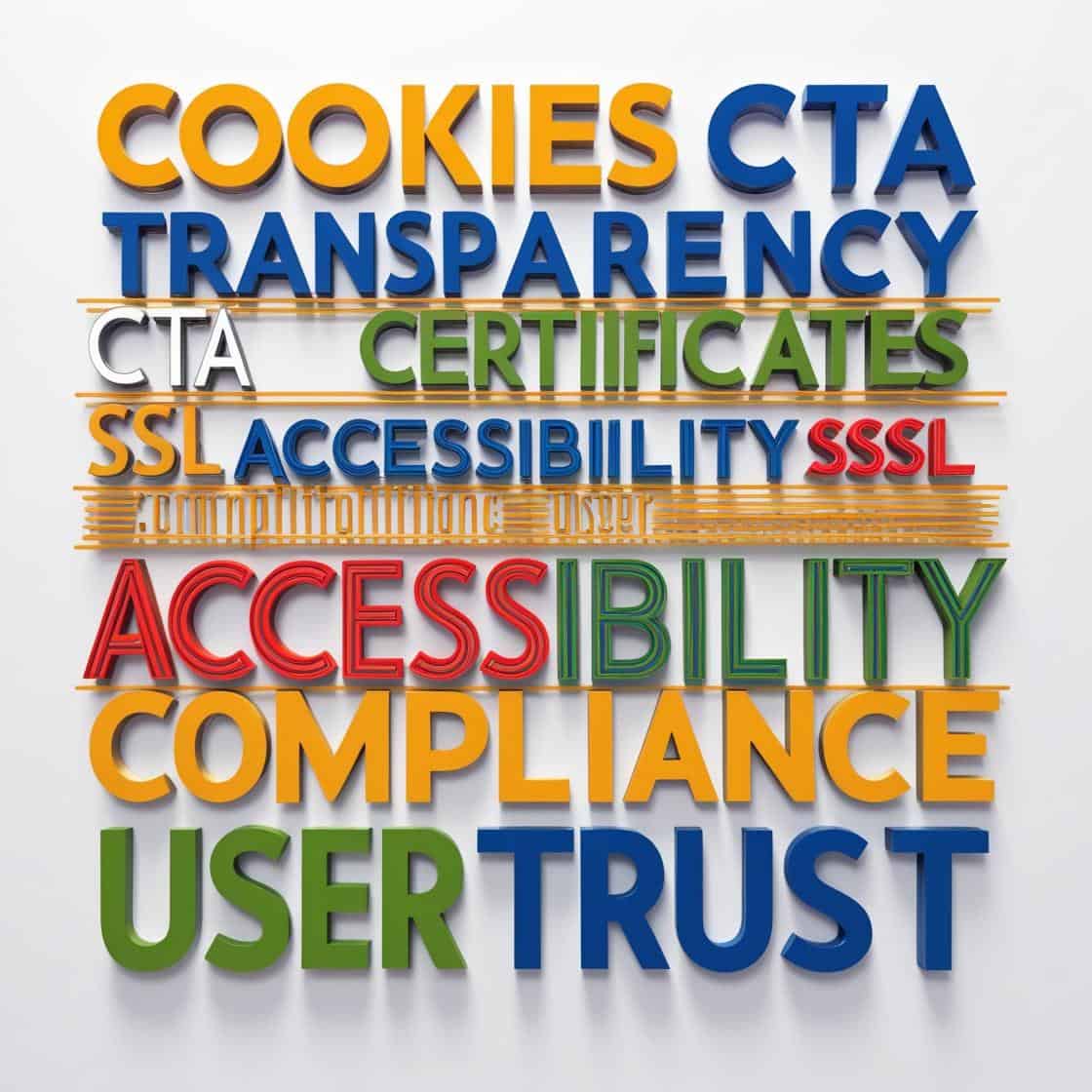
wordart using web words including cookies cta transparency ssl certificates accessibiltycomplianceuser trust

Call To Action

A Call To Action (often shortened to CTA) is a simple prompt that tells visitors what they can do next. This might be something like signing up for updates, getting in touch, or learning more about a topic. Clear CTAs help people move forward without feeling pressured or confused.

SSL Certificates

SSL certificates help keep information safe when people use a website. They protect data as it travels between the site and the visitor, such as contact details or passwords. You’ll often notice this because the website address starts with https, which helps people feel more confident that the site is secure.

Accessibility

Accessibility means making sure a website can be used by as many people as possible, including those with disabilities. This might involve small things like adding text descriptions to images or making sure the site can be used with a keyboard. These simple adjustments can make a real difference to how comfortable people feel using your site.

Understanding these elements helps make your website feel safer and more welcoming. When people feel respected and secure, they’re more likely to trust the site and come back again. That sense of trust grows gradually and makes a real difference over time.

Enhancing Your Website for People and Search Engines

SEO

SEO stands for Search Engine Optimisation, and it simply means helping search engines understand what your website is about. While keywords matter, SEO also includes things like clear links, easy-to-read content, and pages that load without fuss. You can think of it as keeping your website tidy and understandable for both people and search engines.

User Experience or UX

User Experience (often shortened to UX) is how a website feels to someone when they use it. A good experience means the site feels clear, easy to use, and does what the visitor expects it to do. It’s about finding a balance between how the site looks and how easily people can use it.

Landing pages

Landing pages are pages created for one specific purpose. This might be promoting a product, sharing a special offer, or encouraging people to sign up for something. Because they focus on just one message, landing pages are often simpler and more direct than other pages on a website.

A mobile-friendly, responsive design

A mobile-friendly website is one that works well on phones, tablets, and computers. A responsive design automatically adjusts so the content fits the screen it’s being viewed on. This matters because many people now browse the internet on smaller devices, not just on a computer.

Paying attention to these areas helps your website become easier to find and more pleasant to use. When visitors can understand your site and move around it comfortably, they’re more likely to stay and return later. Being online isn’t just about being seen — it’s about being helpful.

Practical Steps for Building a Clear and Welcoming Website

Domain

Choosing a domain name and hosting is often the first step when setting up a website. A good domain name is simple and easy to remember, and reflects what the site is about. Reliable hosting helps make sure your website is available when people try to visit it, without unexpected problems.

Website Platform

Choosing a website platform or builder is a bit like choosing the right tool for a job. Some people prefer flexible options like WordPress, while others like simpler drag-and-drop builders such as Wix. The right choice can make creating and managing your website feel much easier.

SEO

SEO and user experience aren’t things you do once and forget about. They benefit from occasional check-ins to make sure your content is still clear and your site is easy to use. Small updates over time — like improving wording or tidying navigation — can quietly make a big difference.

Making sure your website is accessible means thinking about how different people use it. Simple checks can help, such as using clear text that’s easy to read and adding descriptions to images. These small steps can make a website more comfortable for everyone.

Building a website that feels clear and easy to use doesn’t have to be complicated. With a few good choices, some basic planning, and the willingness to make small improvements over time, you can create a site that feels welcoming and manageable.

Is there a word, term, or phrase you’ve come across that’s left you feeling unsure or confused?

If there is, pop it in the comments below and I’ll do my best to explain it clearly — no jargon, no judgement.

Here’s a little transparency: My website contains affiliate links. This means if you click and make a purchase, I may receive a small commission. Don’t worry, there’s no extra cost to you. It’s a simple way you can support my mission to bring you quality content.”
What Is a Website Homepage? (And Why It Really Matters)

What Is a Website Homepage? (And Why It Really Matters)

The homepage of a website is often the first page people see when they visit a site. It helps set expectations and gives visitors a sense of what the website is about. Think of it like the cover of a book — while you shouldn’t judge a book by its cover, a good one invites you to look inside.

The homepage of a website plays an important role in helping people find their way around. From blog posts and service pages to contact information, the homepage often guides visitors to the areas they’re looking for. You can think of it like a directory in a shopping centre, helping people work out where to go next.

Welcome mat|What is a homepage of a website

Features Of a Homepage of a Website

Several key features usually make up a homepage. You’ll often see a logo at the top, helping visitors recognise whose website they’re on.

Navigation menus help visitors move easily to other sections of the site. You may also see banners or larger images highlighting key messages. Homepages often include clear calls to action, such as “Contact Us”, to gently guide visitors towards looking further or getting in touch.

The importance of a homepage of a website isn’t just about how it looks — it’s about how it works. A good homepage helps create a calm, intuitive space where visitors can explore without feeling overwhelmed or unsure where to go.

In today’s online world, people often decide very quickly whether to stay on a website or move on. A clear, welcoming homepage can make that decision easier, encouraging visitors to stay, explore, and come back again.

Differentiating Between Homepages, Websites, and Landing Pages

When talking about a website, it can help to picture it like a house with many rooms, each serving a different purpose.

When talking about a website, it can help to picture it like a house with many rooms, each serving a different purpose.

A homepage sits within a website, much like a living room inside a house. It’s one part of the overall structure, not the whole thing. A website is made up of multiple pages, each offering different information or serving a different purpose.

If a website is like a town, the homepage is the town square — a place visitors often arrive at first before exploring further.

This is where things can sometimes feel a little confusing — the difference between a homepage and a landing page. A homepage is a general starting point that helps people find their way around, while a landing page is designed for one specific purpose, such as signing up for something or making a purchase.

Landing pages are focused on encouraging one specific action.

Although they may look similar, homepages and landing pages aren’t interchangeable. A homepage gives a broad overview of a website, while a landing page focuses closely on one specific message or action.

Understanding these differences can help you make more sense of how websites are put together. When each part has a clear role, it becomes easier to build — or browse — a website that feels organised and easy to use.

The Purpose and Benefits of an Effective Homepage

a cartoon rocket taking off

Not every website starts with a traditional homepage, but most do. A homepage often acts as a launchpad, though it isn’t always essential. Like any tool, whether you need one depends on the purpose of the site.

Some websites choose not to use a traditional homepage, especially when the goal is very focused. In these cases, a single landing page may be enough — for example, when promoting one product or asking people to sign up for an event.

Some websites choose not to use a traditional homepage, especially when the goal is very focused. In these cases, a single landing page may be enough — for example, when promoting one product or asking people to sign up for an event.

Some websites now use variations on the traditional homepage. For example, a site might show regularly updated content or adjust what returning visitors see. While technology continues to change how websites look and behave, the idea of a central starting point is still very common.

While not every website needs a traditional homepage, understanding what it does can help you decide whether it’s right for you. In the end, it comes down to what you want visitors to do and how you want them to move through your site.

It’s worth spending a little time making your homepage clear, easy to follow, and informative. Think of it as the window to your website — giving people a sense of what’s inside before they step in.

Have you ever landed on a homepage that left you feeling unsure where to go next — or one that felt calm and easy to understand?
If you’d like to share your experience, feel free to leave a comment below.

If you’re just starting to learn how websites are put together, you may find my Learn the Internet guides helpful.

Here’s a little transparency: My website contains affiliate links. This means if you click and make a purchase, I may receive a small commission. Don’t worry, there’s no extra cost to you. It’s a simple way you can support my mission to bring you quality content.”
Website vs Web Page – What’s the Difference? A Beginner-Friendly Guide

Website vs Web Page – What’s the Difference? A Beginner-Friendly Guide

A web page is, essentially, one single document on the internet. Imagine opening a single page in your diary. That’s what a web page is like: a self-contained piece of content you can view within your web browser.

In contrast, a website is more like the entire diary. It’s a collection of related webpages all connected under one domain name. Think of it as an online hub, where these pages live together and make up the whole story.

an open book with flowers on it | Website Vs. Web Page

To put it simply, while a webpage is just one sheet, a website is the binder holding several sheets together. For example, take a Wikipedia entry on ‘Dinosaurs’ – that’s a webpage.

Now imagine Wikipedia as a whole network of different topics; that’s your website.

If you’re just starting to explore the web, keep this in mind: a webpage is like a single postcard with specific information, and a website is the entire collection of postcards you have from all your trips.

Whenever you’re navigating online, try looking at each webpage as part of a bigger website. This helps in understanding how web structures function, offering you clear signs on how to navigate and where to find specific info more effectively.

Features & Components: Diving Deeper

When exploring a webpage, you will notice it’s packed with text, images, videos, and links. This focused setup makes it perfect for zeroing in on one piece of information or topic.

A website, on the other hand, offers a structured experience.

It’s composed of a homepage, navigation menu, and multiple interconnected pages. Each page within a website carries a piece of the bigger picture. Whether it’s a company’s details, products, or blogs, they all reside under the same umbrella.

One of the beauties of a webpage is its simplicity. It’s straightforward, making it easy to share with others since it often focuses on one main idea or subject. Consider it like highlighting one article in a whole magazine just for your friends.

Websites shine in their organized presentation. They provide a gateway to various subjects and functionalities, fitting for users who need a more expansive source of information.

A website, like a personal blog, for example, gathers multiple posts into one cohesive space.

For beginners, try thinking of a webpage as one focused page in a magazine – maybe an article you find interesting. A website is like the entire magazine packed with different pieces, indexes, and sections to browse through as you like.

Navigating online can be much easier when you think of these components. Focus on how a webpage provides specific insights, while a website supports a broader exploration of interconnected content.

What is an example of a Web Page and a Website?

 To truly understand a webpage, think of a Wikipedia entry. Say you’re looking at the ‘Dinosaurs’ page — it’s a single document packed with text, images, and links specific to that subject. This dedicated focus makes it a classic example of a webpage.

Now, consider browsing the entire Wikipedia site. Packed with countless topics and linked articles, this is a website. Each article belongs to the broader network that Wikipedia makes available. The whole site represents a vast collection of webpages connected by purpose and design.

A more personal example might be someone’s blog. One blog post is like a standalone webpage, offering a focused update or insight. However, the entire blog becomes a website when it hosts many such posts, usually linked by a theme or interest area.

By looking into these examples, you can see how a webpage acts like a focused snapshot of information, while a website constructs a whole album of these snapshots, offering a more in-depth, interconnected experience.

As beginners, it helps to visualize how webpages and websites function together. This not only guides your exploration on the internet but also aids in better understanding how to present content online effectively, whether you’re building or browsing.

a magazine with colorful text and images to signify a Web Page
a stack of colorful magazines

Has this answered the question of the difference between a webpage and website?

It would be interesting to find out if this has helped.

If you’re just getting started, you may find the ‘learn The Internet‘ Guides helpful.

Feel free to leave a comment in the box below.  I’d love to hear from you.

Here’s a little transparency: My website contains affiliate links. This means if you click and make a purchase, I may receive a small commission. Don’t worry, there’s no extra cost to you. It’s a simple way you can support my mission to bring you quality content.”