It’s Okay to Ask Questions

It’s Okay to Ask Questions

…Even When Everyone Else Seems To Know The Answer It’s Okay To Ask Questions

Have you ever stepped into a room—virtual or real—and felt like everyone else already knew the drill? Like you were handed a script halfway through the play? That invisible weight of assumed knowledge can leave you feeling uncertain, embarrassed, or just plain exhausted.

This one’s personal for me. I’ve lost count of the times I’ve quietly nodded, smiled, and then gone off to Google things later. Not because I didn’t want to ask—but because it felt like I should already know. Maybe you’ve felt that too.

Here’s something I’ve come to learn the hard way: it’s okay to ask questions. Truly. Even when everyone else seems confident, even when the moment feels awkward — asking is one of the most powerful things you can do.

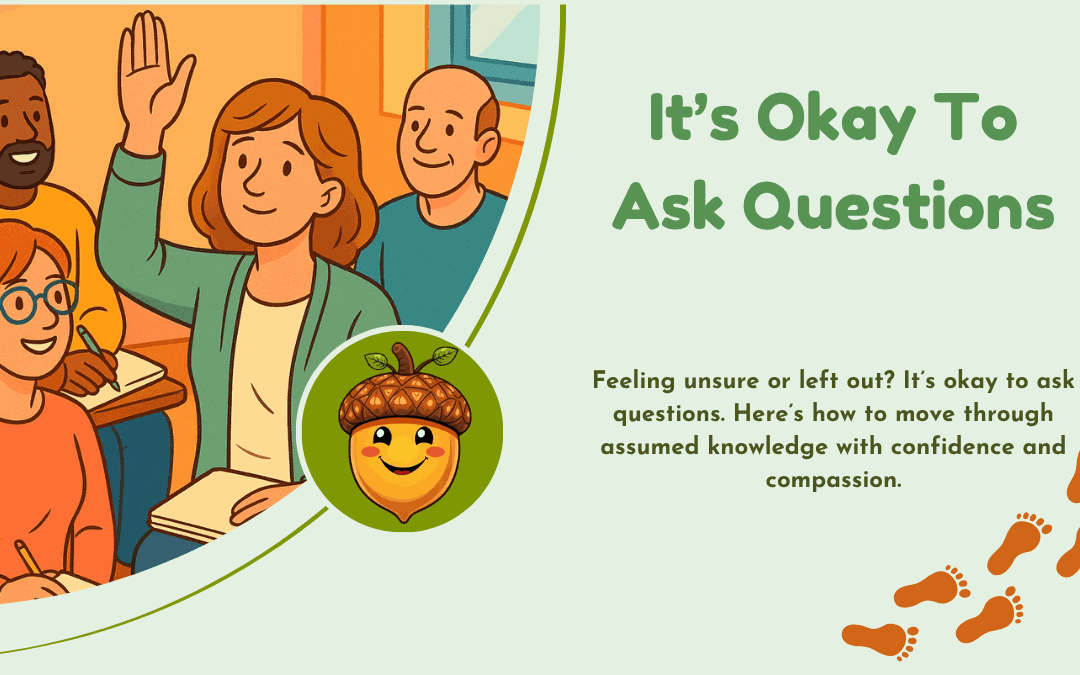
Lady feels it's okay to ask questions and is raising her hand

When Everyone Assumes You Already Know

Ever feel like you’re walking into a room and everyone assumes you’re up to speed? It’s like you’re expected to know everything without a heads-up. That silent pressure often sneaks in when you’re starting a new job, joining a group, or diving into something unfamiliar online.

These unspoken assumptions can quietly shape how we relate to others. Whether it’s a friend assuming you’re caught up on a conversation, or a colleague expecting you to know what’s going on with a project — you’re left feeling like the odd one out. It can lead to misunderstandings, frustration, and that all-too-familiar fear of “looking silly.”

But again — it’s okay to ask questions. You’re not behind. You’re learning. And that’s something to celebrate, not hide.  Most of the time there will someone else who wanted to ask the same question!

It’s Okay to Ask Questions — Really

Too often, we treat asking questions like a last resort — something we do only when we’ve “failed” to figure it out ourselves. But let’s flip that story. It’s okay to ask questions because it shows strength, not weakness. It means you’re curious. You care. You’re actively choosing to grow.

Even just saying, “I want to make sure I’m on the same page — could you explain that?” can shift the tone of a conversation. And chances are, someone else in the room was quietly wondering the same thing.

From the classroom to the boardroom to building an online business — the people who grow the most are usually the ones who are willing to raise their hand. It’s okay to ask questions, even if it feels awkward at first. The more you practice, the more natural it becomes.

When I first joined Wealthy Affiliate in 2013 I was so lacking in any online experience and flailed about for weeks before I plucked up the courage to ask a question in Live Chat.  It was a revelation for me because so many of the answers included the phrase ‘Oh yes, I remember being at a loss with that one’ or ‘I had the same question’ or ‘It took me ages to really understand that…’ 

I have asked so many question (so more than once!!)  I’ve always felt so safe and know that any question I ask will be answered patiently and until I understand.  It’s come to the point now where I can answer those same questions. There’s nothing like learning a topic properly until you can teach it.

Helping Others Feel Safe to Ask, Too

When you model this mindset, you don’t just help yourself — you help others feel braver too. You open the door for clarity, collaboration, and real connection.

Whether you’re part of a learning group, managing a team, or writing a blog post, try creating spaces where people want to ask. This could be:

  • Pausing and inviting questions
  • Saying things like, “This might be new for some of us…”
  • Using tools like Q&A sessions or anonymous suggestion boxes

Empathy plays a big role here. When we respond kindly to someone’s question, we show them it’s safe to speak up. We make room for growth — and that’s something worth nurturing.

And Finally…

You don’t have to have all the answers. And you’re certainly not the only one who’s ever felt unsure, behind, or a little lost.

Let this be your reminder: it’s okay to ask questions.
It’s okay not to know.
It’s okay to learn as you go.

If you’ve ever found yourself in a moment like that — where everyone assumed you were up to speed and you weren’t — I’d love to hear about it. Feel free to share your story in the comments. Your voice matters here.


The Internet is for Everyone

The Internet is for Everyone

If you’ve never spent much time online, or the idea of using the internet feels a bit overwhelming, you’re not alone. Many people feel unsure about where to start, but the good news is that the internet isn’t just for the younger generation or tech-savvy experts—the internet is for everyone.

Whether you want to stay in touch with family, learn new skills, shop online, or even start a small business, the internet can open up a world of opportunities. The best part? You don’t need to be a computer expert to get started.

In this guide, I’ll walk you through the basics and help you take your first steps online with confidence.

Why the Internet is for Everyone

The internet has become a big part of daily life, and it’s not just for younger people. More and more older generations are getting online, discovering new hobbies, reconnecting with loved ones, and learning things they never thought possible.

Did you know that more people over 50 are using the internet than ever before. Many are video calling family, shopping online, and even sharing their experiences on social media proving the internet is for everyone!

Young and old online showing the internet is for everyone

The internet isn’t just about social media. You can use it to:

  • Keep in touch with family and friends through emails, WhatsApp, or video calls.
  • Read the news and stay updated with what’s happening in the world.
  • Watch videos and learn new things, from cooking to DIY.
  • Find great deals on shopping and even order groceries online.
  • Learn digital skills and even build a small online business.

If you’ve been hesitant to explore the internet, now is a great time to give it a go!

How to Take Your First Steps Online

Getting online doesn’t have to be complicated. Here are some simple steps to help you start:

1. Get Connected

First, you need internet access. If you have a smartphone, you may already have mobile internet. Otherwise, you can set up Wi-Fi at home or use the internet at your local library or community centre.

2. Choose Your Device

You can access the internet using:

A smartphone – Portable and great for beginners.

A tablet – Bigger screen, but still easy to use.

A laptop or computer – Good for larger tasks and learning.

If you don’t have a device yet, you might consider borrowing one or visiting a place where you can try before you buy.

3. Learn the Basics

Here are a few key skills to practise:

Using a search engine – Google is your best friend for finding information.

Creating an email account – This helps you stay connected and sign up for things online.

Navigating websites – Learning how to move between pages and click on links is important.

Typing and clicking – If you’re using a computer, practising with a mouse and keyboard can help.

There are plenty of free beginner tutorials available on YouTube and websites designed for digital skills training.

4. Stay Safe Online

The internet is amazing, but like anything else, it’s important to stay safe. Here are a few golden rules:

  • Use strong passwords – Avoid using easy-to-guess words like “1234” or “password.”
  • Don’t share personal details – Be cautious when entering personal information online.
  • Beware of scams – If something seems too good to be true, it probably is.
  • Stick to trusted websites – Look for websites with “https://” for secure browsing.

If you’re unsure about something, it’s always okay to ask someone you trust before clicking or signing up for anything. Or you can drop a comment below and I’d be so happy to give you a hand.

What Can You Do Online?

What you can do on the internet

Once you’re comfortable, there’s so much you can do online:

  • Stay connected – Video calls, emails, and instant messaging make it easy to chat with family. 
  • Shop safely – Order groceries, gifts, or essentials from home. 
  • Watch and learn – Enjoy free educational videos, documentaries, and entertainment. 
  • Read and discover – Access news, books, and blogs on topics that interest you. 
  • Start a project – Want to create a website or start a small online business? I’ve got a beginner-friendly guide to help you get started at Get Online Step by Step!

The more you explore, the more confident you’ll feel using the internet in your daily life.

And Finally…

The internet is a fantastic tool, and it’s never too late to learn. Whether you want to stay in touch with family, pick up a new hobby, or even start your own online journey, you can do it step by step.

The internet is for everyone so take a little piece of it just for you.

For more information these guides at Age UK cover a range of topics, including:

  • Choosing and setting up devices

  • Connecting to the internet

  • Sending and receiving emails

  • Using apps and video calling

  • Online shopping and staying safe online

If you’re looking for simple, beginner-friendly guides on how to get online, including setting up a website or learning digital skills, Get Online Step by Step can help you through the process.

There’s a whole world waiting for you online—why not take that first step today?

Here’s a little transparency: My website contains affiliate links. This means if you click and make a purchase, I may receive a small commission. Don’t worry, there’s no extra cost to you. It’s a simple way you can support my mission to bring you quality content.

Turn Tech Fear into Confidence: 

If you’re feeling overwhelmed by the idea of building a website, let me tell you—you’re not alone.

I know what it’s like to feel paralysed by technology. At first, the terms, words and tools seemed like they were written in a different language!

I worried constantly about making mistakes that couldn’t be undone.

scared of tech

But honestly, you don’t need to have a degree in techy stuff  to create a successful online presence.

Building your website is just like learning any new skill—it’s all about patience, small steps, and learning from experience. I started from scratch too, knowing absolutely nothing, and step by step, I began to figure it out. You can too! 

I have to admit though, you never stop learning.

Taming the Fear of Technology

That fear of technology often comes from not knowing where to begin. For me, it was the fear of breaking something or not making the “right” choice that held me back. It felt like every click was a potential disaster waiting to happen.

But once I took the first few steps, I realised mistakes aren’t permanent. Most things can be undone, tweaked, or fixed. Mistakes are actually a great way to learn! So I’ve learned soooo much!

The trick is to break your goals down into manageable tasks. Start with small, achievable steps and avoid trying to conquer everything at once.

I found that I needed beginner-friendly guides and tutorials but disappointed with the choice that really did start from scratch.  Hence, Get Online Step By Step.

Platforms like Udemy had some helpful courses but few that started at my level but is wasn’t until I found Wealthy Affiliate that I began to make strides  They offer step-by-step instructions to help you get started and that was, definitely, what I needed.

Don’t underestimate the power of a supportive community either. Asking questions within the safety of  Wealthy Affiliate, helped me gain confidence and realise that plenty of others had the same worries I did. I’ve written a short review that you can read here.

Small Projects, Big Progress

Building a step at a time

Theoretical learning can only get you so far. Real progress happens when you start building something—even if it’s just a simple blog or portfolio site.

I started small, and every time I tried something new—whether it was changing a layout or writing a blog post—I learned a little more.

Website builders like WordPress make the process much simpler than you might think. They offer templates and drag-and-drop tools, so you don’t need to do any coding.  Thank Goodness!

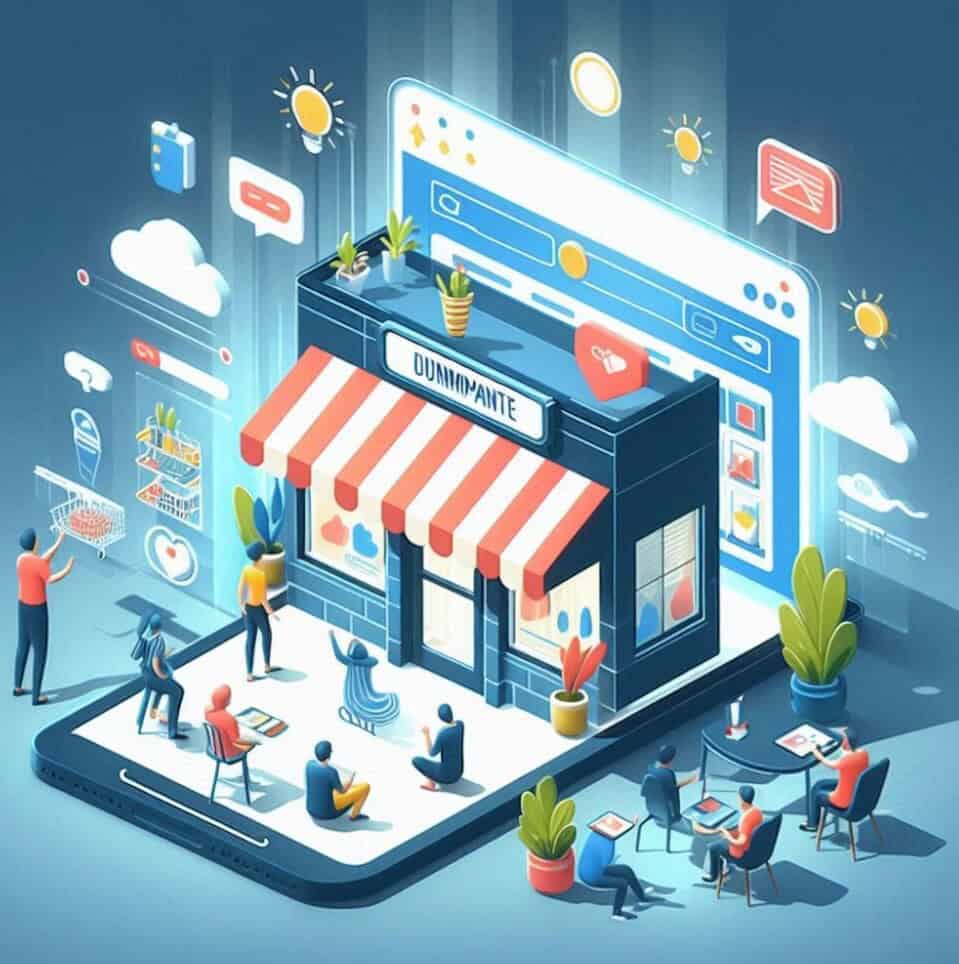
One thing to keep in mind is your site’s user experience. Clear navigation, fast loading times, and mobile-friendly design go a long way in keeping visitors engaged. Think of your website as a virtual shop—people should be able to find what they need without getting lost.

Choosing Your Niche: Solve a Problem

Choosing a niche can feel like a daunting task, but it’s simpler than it seems. A niche is really just a focused group of people with a shared problem. Your job is to provide solutions through your website.

For example, instead of choosing a broad topic like “fitness,” narrow it down to something like “home workouts for shift workers” or “exercise routines for post-surgery recovery.” This makes it easier to create targeted content that resonates with your audience.

If you’re struggling to choose a niche, tools like Google’s autocomplete and forums like Reddit can help you find common problems people are searching for. Wealthy Affiliate also offers niche research tools to guide you through this process.

Build Your Website: One Step at a Time

Once you’ve chosen your niche, it’s time to build your website.

This might feel overwhelmingand a bit scary, but it’s actually much easier than you think.

I used a website builder within Wealthy Affiliate to get started. It walked me through every step, from choosing a domain name to designing the site.

What I appreciated most was how everything was explained clearly and broken down into manageable lessons.

WA Uncover the Secrets

Focus on creating a site that’s easy to use.

Make sure your navigation is simple, your design is mobile-friendly, and your pages load quickly.

These details make a huge difference in how visitors experience your site and whether they’ll want to return.

Facing Challenges and Gaining Confidence

It’s completely normal to hit roadblocks along the way.

I’ve had moments where I felt stuck—whether it was struggling to choose a design or fix a glitch. But every problem taught me something valuable.

The more you experiment, the more confident you’ll become. Seeing your website come together is one of the most rewarding parts of the process. Mistakes are part of the journey, not something to fear.

Why I Built Get Online Step By Step

When I first started building websites, I struggled to find resources that truly catered to beginners.

Most tutorials assumed I had a certain level of tech knowledge, which I didn’t.

It was frustrating and often made me want to give up.

Get Online Step By Step

That’s why I created Get Online Step By Step.

I wanted to offer easy-to-understand guidance for those who feel lost in the digital world. I know how overwhelming it can be, and I wanted to create a space where beginners feel supported every step of the way.

Wealthy Affiliate helped me immensely on this journey, and I love sharing what I’ve learned with others.

And Finally…

If the idea of building a website feels like climbing a mountain, take a deep breath. You don’t need to know everything at once. Start with simple goals, use beginner-friendly resources, and seek support when you need it.  

With time and practice, those early fears will fade, and you’ll gain the confidence to create something amazing. Your online journey starts here—step by step.

How a Website Really Works

How a Website Really Works

You’ve probably heard people say, “I created a website,” as if that’s all there is to it. I know because it’s certainly what I thought when I first started out, Just create a website, and voilà! Done. 

But that’s not quite how it works. Creating a website is only the beginning. To keep it alive and running smoothly, there are a few essential things happening behind the scenes.

Let’s explore how a website works and what goes into maintaining a successful online presence.

What Is A Website For?

1. The Foundation: Hosting and Domain Name

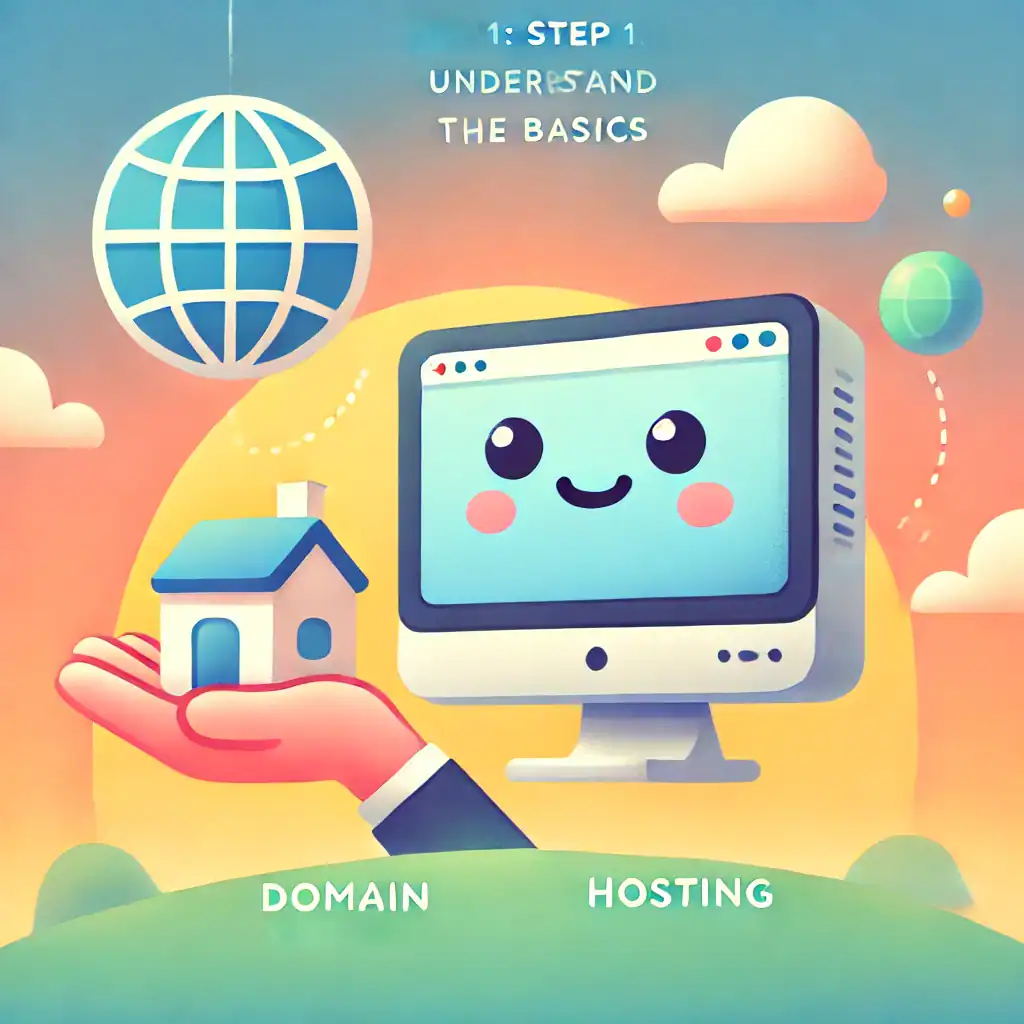
Think of a website like a house. For any house to exist, it needs land (hosting) and an address (domain name).

  • Hosting is where all your website’s files live. When someone visits your site, they’re accessing those files stored on a remote server. Companies like SiteGround, Bluehost, and Wealthy Affiliate offer hosting services where they keep your website “live” on the internet.
  • Domain Name is like your house address. It’s the name people type in to visit your website—like www.getonlinestepbystep.com. Without a domain, visitors wouldn’t know where to find your site.

2. Content and Code: What Visitors See

When you create a website, you’re designing what people will see when they visit. This includes:

  • Text (e.g., blog posts, product descriptions)
  • Images and videos
  • Menus and links to help visitors navigate the site.

But behind the scenes, your site is built with code—languages like HTML, CSS, and JavaScript.

Don’t worry, though; most website builders like WordPress, Wix, and Squarespace take care of the coding for you with drag-and-drop features. Which is just as well for me as I have tried to understand but I’m afraid at the moment it’s all a bit beyond me. 

My websites are built with WordPress so I don’t need to worry.  Coding will have to be put on the back burner until I think it is a necessary requirement (never I hope!)

3. How Websites Reach Visitors: The Role of Servers

Domains and Hosting

When someone clicks on your website link, their browser sends a request to your hosting server. Think of this as sending a virtual letter asking, “Can I see your site, please?” The server then sends back the data (your website files), which displays as a fully functional webpage on their screen.

This process happens in seconds but involves multiple steps:

  1. The browser finds your domain name.
  2. The hosting server responds by sending your website’s data.
  3. The visitor’s browser assembles the data and shows the final webpage.

4. Keeping the Website Running: Maintenance

Many people think that once a website is live, that’s it—job done! Unfortunately, that’s not the case. 

Regular maintenance is crucial to keeping your site fast, secure, and functional. Here’s what’s involved:

  • Updates: Website builders and plugins (extra tools that add features to your site) need regular updates. These updates fix bugs, improve security, and keep your site compatible with new technology.
  • Backups: Imagine losing your entire site due to a server crash or a hack! Regular backups act as a safety net so you can restore your site if something goes wrong. As my websites all live at Wealthy Affiliate I don’t have to worry as the sites are backed-up automatically. Phew!!
  • Security: Hackers target vulnerable websites, especially those without proper protection. Installing security plugins and using strong passwords can help protect your site from attacks.
  • Speed Optimisation: Visitors hate slow websites. Regularly cleaning up large files and optimising images can prevent your site from becoming sluggish.

5. SEO: Making Sure People Can Find You

It’s no use having a fantastic website if no one can find it. This is where Search Engine Optimisation (SEO) comes in. SEO helps search engines like Google understand what your site is about, so they can show it to the right people.

Key SEO factors include:

  • Using relevant keywords in your content.
  • Creating fast-loading, mobile-friendly pages.
  • Writing compelling page titles and meta descriptions (the text that appears on Google’s results page).

Platforms like Wealthy Affiliate offer training and tools to help beginners improve their SEO strategy. I’ve found these invaluable on my journey.

6. User Experience: A Website Visitors Want to Stay On

Your site’s design and structure play a huge role in keeping visitors engaged. If your website is cluttered, confusing, or difficult to navigate, people will leave quickly.

Here are some tips for a great user experience:

  • Simple Navigation: Make it easy for visitors to find what they’re looking for.
  • Mobile Responsiveness: Your site should look good on both desktop and mobile devices.
  • Fast Loading Times: Nobody likes waiting for pages to load. A speedy website keeps visitors happy and improves your SEO.

7. Analytics: Tracking Your Success

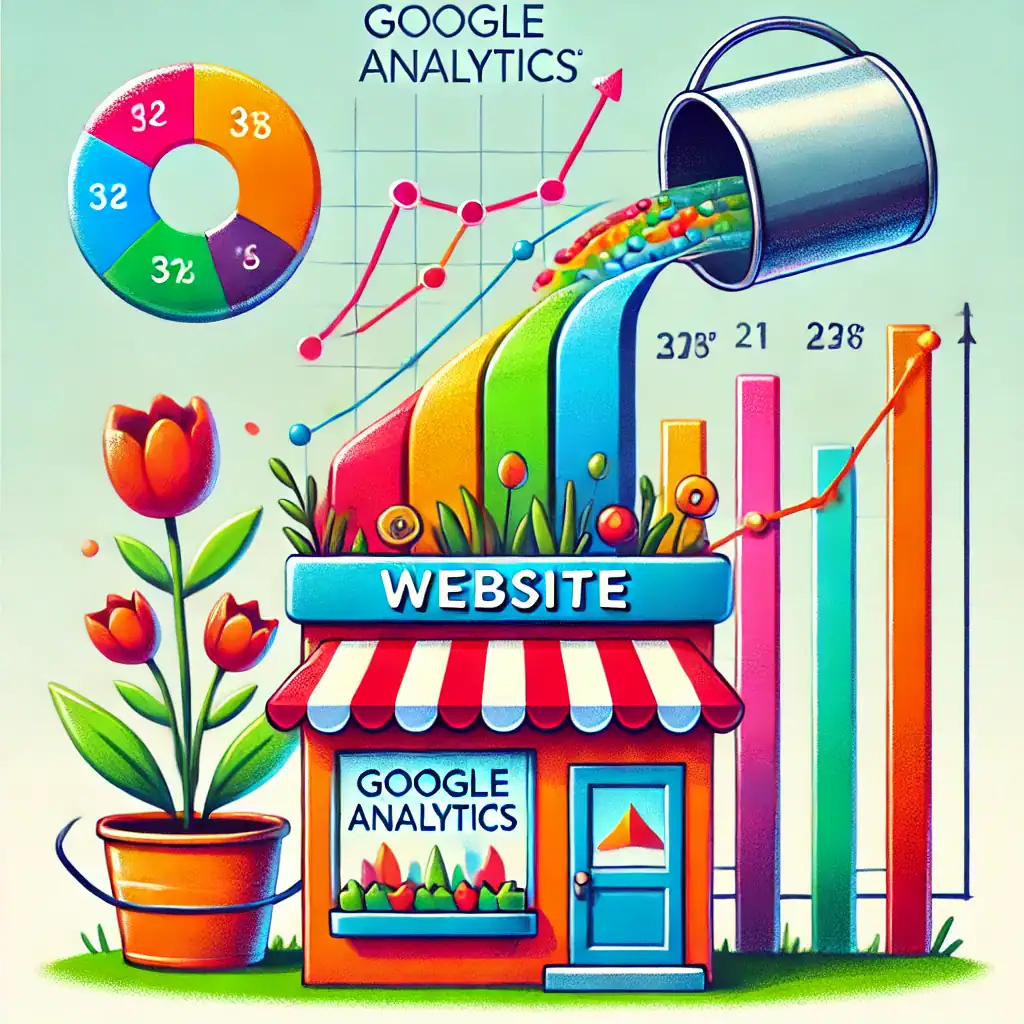
Once your website is live, you’ll want to track how it’s performing. Tools like Google Analytics show you important data, such as:

  • How many people visit your site.
  • Which pages are the most popular.
  • How long visitors stay on your site.

This data helps you make informed decisions about what’s working and what needs improvement.

Google analytics to grow your website

8. The Power of Content: Keeping Your Website Fresh

Websites thrive on fresh, relevant content. Whether it’s blog posts, product updates, or news, regular content updates keep visitors coming back.

Why is content so important?

  • It establishes your expertise.
  • It gives visitors a reason to return.
  • It improves your SEO by providing more pages for search engines to index.

I’ve made it a priority on Get Online Step By Step to provide beginner-friendly articles and guides that answer common questions about building websites and starting an online business.

9. Marketing and Social Media Integration

Having a great website is only part of the puzzle. To attract visitors, you’ll want to promote it through other channels like:

  • Social Media: Share your content on platforms like Facebook, Instagram, and Pinterest to reach a wider audience.
  • Email Marketing: Building an email list allows you to stay in touch with your audience and drive traffic back to your site.
  • Advertising: Paid ads can give your website an extra visibility boost, especially when you’re just starting out.

10. Continuous Learning and Improvement

Technology evolves quickly, so it’s essential to keep learning. Joining platforms like Wealthy Affiliate can help you stay updated on best practices and new tools. Surrounding yourself with a supportive community also keeps you motivated and inspired.

Remember, even experienced website owners are constantly learning and adapting. Embrace the process and take things step by step.

And Finally…

A website is more than just a digital business card. It’s a dynamic, ever-changing platform that requires planning, maintenance, and promotion to succeed. From hosting and domains to content and SEO, every element plays a role in how well your site performs.

A website that is created and left is like having a postcard advertising your business sitting in the window of a store in a tiny village with 15 residents all aged over 80!!!

If you’re feeling overwhelmed, take it slow. Start by learning the basics, and don’t hesitate to reach out for support when needed. Over time, you’ll find that managing your website becomes second nature—and the rewards are well worth the effort.

Here’s a little transparency: My website contains affiliate links. This means if you click and make a purchase, I may receive a small commission. Don’t worry, there’s no extra cost to you. It’s a simple way you can support my mission to bring you quality content.

What Is A Website For?

What Is A Website For?

Have you ever asked yourself, ‘What is a website for? 

At its most basic, a website is a collection of linked digital pages filled with text, images, and media, existing on the web under a single domain.

It’s pretty neat when you think about how much these simple structures have evolved from plain old text-heavy pages to the dynamic hubs we see today.

Websites have come a long way since the early days. Originally, they were all about getting text-based information across.

Picture this: black text on a white screen, no images, no fancy graphics, just pure information. Fast forward to now, they’re a powerhouse of videos, interactive content, slick designs, and way more. This evolution reflects our growing appetite for instant information and richer online experiences.

a computer screen with colorful objects exploding out of it to depict what is a website for

What Is A Website Essentially Doing?

At its heart, it’s all about sharing information, engaging users, and converting those interactions into something valuable, like a sale or a signup.

Different people use them for different reasons. Businesses might want to boost sales or brand reputation, while individuals could just want a spot to share hobbies or thoughts, and organizations might be spreading awareness or gathering support.

Here’s the thing: figuring out ‘what is a website for?’ really depends on who’s visiting. Businesses, individuals, and organizations all bring their own needs to the table. Companies, for instance, might focus on driving online sales or customer engagement, while personal blogs focus on sharing experiences or opinions and charitable organizations might aim to educate or fundraise.

Matching the website’s purpose with what users actually want is pretty crucial. It’s like cooking for a crowd – you gotta know what they’re hungry for! Whether it’s information, shopping, or connecting with others, a successful website will seamlessly cater to its audience’s needs and desires.

Decoding the Main Purposes of Websites

Websites play a big role in the digital landscape and serve various purposes depending on what you need. At their core, they spread information like nobody’s business. Whether it’s a news site keeping you up to date on global events or a blog dishing out cooking tips or DIY tricks, the power to inform is huge.

Shopping online? 

Websites have turned into bustling marketplaces. Think of Amazon, eBay, or your favorite local store. From browsing products to clicking that checkout button, it’s all about making shopping a breeze without you even leaving the couch.

Social connections have also found a home on these platforms. Remember MySpace? Now it’s Facebook, Instagram, and X, creating communities, facilitating discussions, and connecting people across the globe. It’s not just about sharing experiences but building lasting relationships as well.

a group of people sitting around a store

Websites are educational resources too. Universities and online learning platforms host a ton of courses and learning materials. So, if you’re curious and craving knowledge, there’s no better place than educational websites to upskill or learn something new.

And for those moments when the day just drags on, websites offer tons of entertainment. From streaming services and gaming platforms to humorous blogs and meme generators, they ensure there’s always something to keep you entertained and relaxed.

The Multipurpose Functions of Modern Websites

Today’s websites pack a punch with a variety of features designed to meet the diverse needs of users. They’re not just there to look pretty; they’re fully functional tools that bring people and businesses closer together.

Communicating is way easier now, thanks to websites. Whether it’s through live chat supports on e-commerce sites or forums for shared interests, websites are all about bridging gaps, bringing people and brands a tap away from each other.

If you want to make a mark online, a good website is a must. It helps boost your brand’s visibility and credibility. By showcasing your products, services, and unique strengths, websites act as your digital storefront, open 24/7 to anyone in the world.

Design matters immensely when it comes to user experience. A good website feels like a well-oiled machine – intuitive, smooth, and easy to navigate. If your visitors can find what they need without a hitch, they’re more likely to stick around and engage.

Every industry comes with its own unique needs and websites have adapted right along. Whether it’s for booking tickets, scheduling appointments, or just sharing the latest stock prices, modern websites specialize in functionalities tailored to specific sectors.

Don’t forget about integration. Modern websites are powerhouses because they hook up seamlessly with other tools – think CRM systems, social media platforms, and analytics tools. This connectivity means users always have access to the most up-to-date information and resources needed for effective decision making.

Why We Use Websites: Rationales and Outcomes

Websites are undeniably convenient, serving up vast amounts of info and services right at your fingertips. Need the latest news, directions to the best sushi spot, or an expert tutorial? It’s all just a click away, making life smoother and saving loads of time.

The speed of access makes websites indispensable. Got a question or need a service pronto? Websites offer instant answers and solutions without any delays, which is a boon in today’s fast-paced world.

Websites also open doors to personal and professional networking. Whether you’re connecting with like-minded individuals on social media or expanding your professional circle on LinkedIn, these platforms help in building and solidifying networks.

Making informed decisions is a breeze with all the information readily available online. You can compare products, check reviews, and even watch demonstration videos before making a purchase, ensuring you get the best bang for your buck.

And for businesses and individuals alike, embracing digital transformation through websites streamlines everyday operations. From automating processes to tracking data and analytics, websites turn tedious tasks into efficient workflows, giving you more time to focus on what truly matters.

Making Websites Clear And Helpful

Creating a website that stands out means centering on user experience first and foremost. Design choices should feel intuitive and accessible, ensuring every visitor can easily find what they’re after. Remember, a happy visitor is often a loyal one.

Incorporating expertise and authority into your website builds trust with your audience. Spell out your credentials, showcase customer testimonials, and provide valuable content that positions you as a go-to expert in your field.

Transparency and trustworthiness in information not only enhances credibility but also aids user decision-making. Whether you’re explaining your return policy or diving into a detailed blog post, accuracy and clarity should always be front and centre.

While integrating SEO strategies can boost visibility, user needs should always take precedence. Think about what information your audience seeks and answer those questions thoroughly and concisely within your website’s content.

Continuous improvement is key. Regularly update your site with fresh content, check for any broken links, and keep up with the latest web trends. Staying proactive ensures your site remains relevant and useful for every visitor.

Now you’ve got a clearer picture and be able to answer the question  what is a website for?

If you’re interested to learn more, try these ‘learn the Internet’ guides.

I’d love to hear your thoughts. Are you thinking about building your own? Or maybe you’ve come across a site that really impressed (or confused!) you?

Pop a comment in the box below and share your experiences or questions—no jargon, no judgement, just a friendly chat about all things websites. Let’s learn from each other and keep the conversation going!

Here’s a little transparency: My website contains affiliate links. This means if you click and make a purchase, I may receive a small commission. Don’t worry, there’s no extra cost to you. It’s a simple way you can support my mission to bring you quality content.”

Website vs Web Page – What’s the Difference? A Beginner-Friendly Guide

Website vs Web Page – What’s the Difference? A Beginner-Friendly Guide

A web page is, essentially, one single document on the internet. Imagine opening a single page in your diary. That’s what a web page is like: a self-contained piece of content you can view within your web browser.

In contrast, a website is more like the entire diary. It’s a collection of related webpages all connected under one domain name. Think of it as an online hub, where these pages live together and make up the whole story.

an open book with flowers on it | Website Vs. Web Page

To put it simply, while a webpage is just one sheet, a website is the binder holding several sheets together. For example, take a Wikipedia entry on ‘Dinosaurs’ – that’s a webpage.

Now imagine Wikipedia as a whole network of different topics; that’s your website.

If you’re just starting to explore the web, keep this in mind: a webpage is like a single postcard with specific information, and a website is the entire collection of postcards you have from all your trips.

Whenever you’re navigating online, try looking at each webpage as part of a bigger website. This helps in understanding how web structures function, offering you clear signs on how to navigate and where to find specific info more effectively.

Features & Components: Diving Deeper

When exploring a webpage, you will notice it’s packed with text, images, videos, and links. This focused setup makes it perfect for zeroing in on one piece of information or topic.

A website, on the other hand, offers a structured experience.

It’s composed of a homepage, navigation menu, and multiple interconnected pages. Each page within a website carries a piece of the bigger picture. Whether it’s a company’s details, products, or blogs, they all reside under the same umbrella.

One of the beauties of a webpage is its simplicity. It’s straightforward, making it easy to share with others since it often focuses on one main idea or subject. Consider it like highlighting one article in a whole magazine just for your friends.

Websites shine in their organized presentation. They provide a gateway to various subjects and functionalities, fitting for users who need a more expansive source of information.

A website, like a personal blog, for example, gathers multiple posts into one cohesive space.

For beginners, try thinking of a webpage as one focused page in a magazine – maybe an article you find interesting. A website is like the entire magazine packed with different pieces, indexes, and sections to browse through as you like.

Navigating online can be much easier when you think of these components. Focus on how a webpage provides specific insights, while a website supports a broader exploration of interconnected content.

What is an example of a Web Page and a Website?

 To truly understand a webpage, think of a Wikipedia entry. Say you’re looking at the ‘Dinosaurs’ page — it’s a single document packed with text, images, and links specific to that subject. This dedicated focus makes it a classic example of a webpage.

Now, consider browsing the entire Wikipedia site. Packed with countless topics and linked articles, this is a website. Each article belongs to the broader network that Wikipedia makes available. The whole site represents a vast collection of webpages connected by purpose and design.

A more personal example might be someone’s blog. One blog post is like a standalone webpage, offering a focused update or insight. However, the entire blog becomes a website when it hosts many such posts, usually linked by a theme or interest area.

By looking into these examples, you can see how a webpage acts like a focused snapshot of information, while a website constructs a whole album of these snapshots, offering a more in-depth, interconnected experience.

As beginners, it helps to visualize how webpages and websites function together. This not only guides your exploration on the internet but also aids in better understanding how to present content online effectively, whether you’re building or browsing.

a magazine with colorful text and images to signify a Web Page
a stack of colorful magazines

Has this answered the question of the difference between a webpage and website?

It would be interesting to find out if this has helped.

If you’re just getting started, you may find the ‘learn The Internet‘ Guides helpful.

Feel free to leave a comment in the box below.  I’d love to hear from you.

Here’s a little transparency: My website contains affiliate links. This means if you click and make a purchase, I may receive a small commission. Don’t worry, there’s no extra cost to you. It’s a simple way you can support my mission to bring you quality content.”