Introduction: How to Get Started Online for Beginners?
If you’ve ever asked yourself how to get started online?, you’re not alone. Maybe you’ve just bought a new laptop, or you’re ready to dip a toe into the online world—but the idea of routers, Wi-Fi, and mobile data feels like a foreign language. This guide is for you.
Let’s take a steady, clear look at how it all fits together. No jargon. No assumptions. Just one idea at a time.
What Is Wi-Fi?
Wi-Fi, short for Wireless Fidelity, is like invisible magic weaving through your home, allowing gadgets to communicate without messy wires. Developed in the late 1990s, Wi-Fi has quickly evolved from a neat gadget trick to a staple in modern living.
Our digital lifeline functions through radio waves, connecting devices to the internet via a Wi-Fi router.
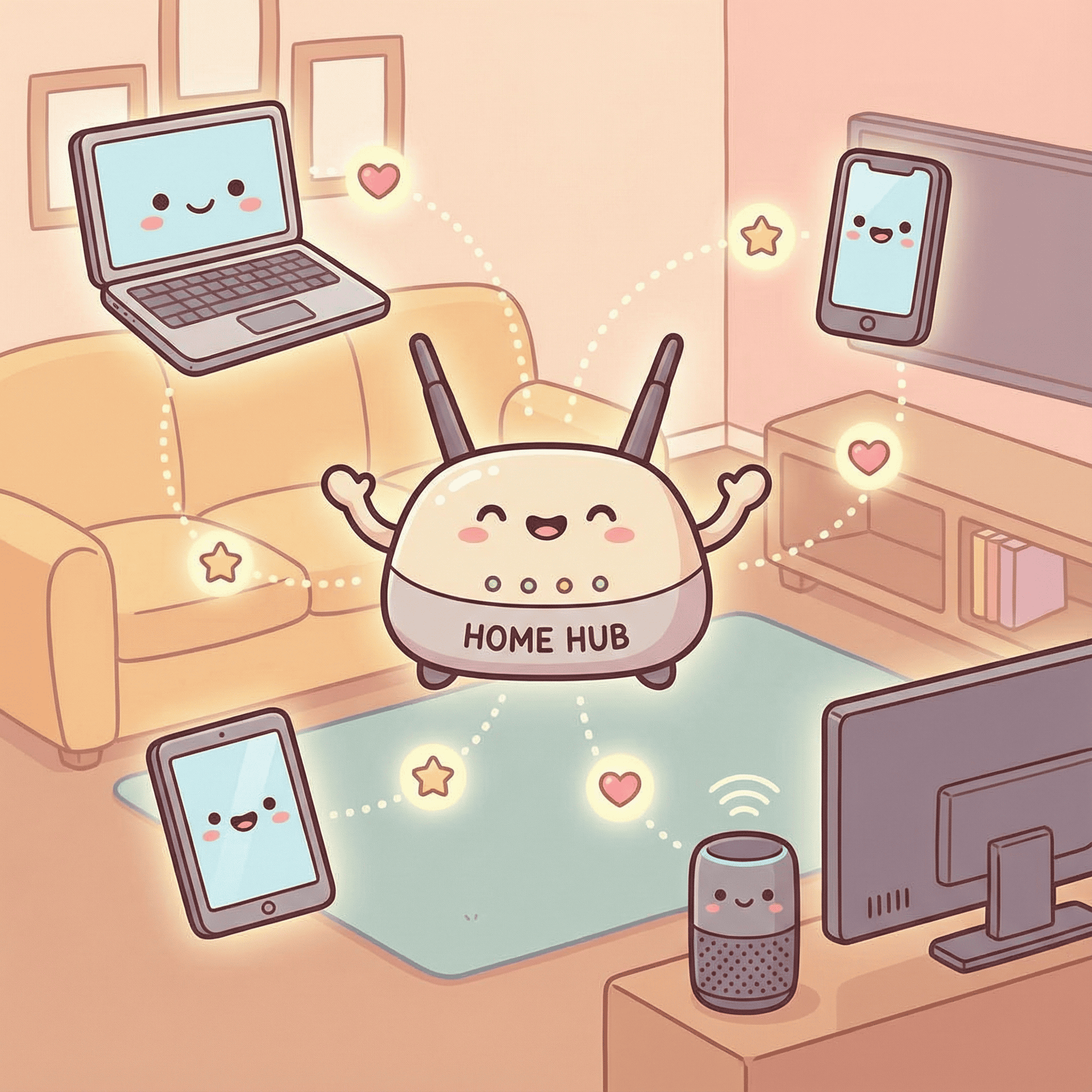
These waves operate on two principal frequency bands: 2.4GHz and 5GHz. The 2.4GHz band covers a wider range but is prone to interference, especially if you’ve got a microwave in the kitchen or many walls in the house. The 5GHz, meanwhile, provides faster speeds ideal for streaming and gaming, but it doesn’t reach as far. That is all a bit technical isn’t it but, in my opinion, as long as the Wi-Fi works I’m content!
A common Wi-Fi myth is thinking having more Wi-Fi bars means faster internet. It’s not always the case! Those bars just indicate signal strength from the router, not internet speed itself.
How to Get Started Online? Connect with a Router
Routers are the unsung heroes of your home network. That small box tucked away near your telephone line is doing more than you might think. A router directs traffic—making sure information from the internet reaches your device quickly and safely.
What’s the difference between a modem and a router? The modem connects your home to the internet (it’s like the front door), and the router distributes that internet to your devices (like handing out the post).
Most routers come pre-set by your provider, but it’s worth personalising your setup. Rename your network to something memorable and add a secure password. If your signal struggles to reach certain rooms, a Wi-Fi extender can stretch your network’s range.
Going Beyond Wi-Fi: Mobile Data in Plain English
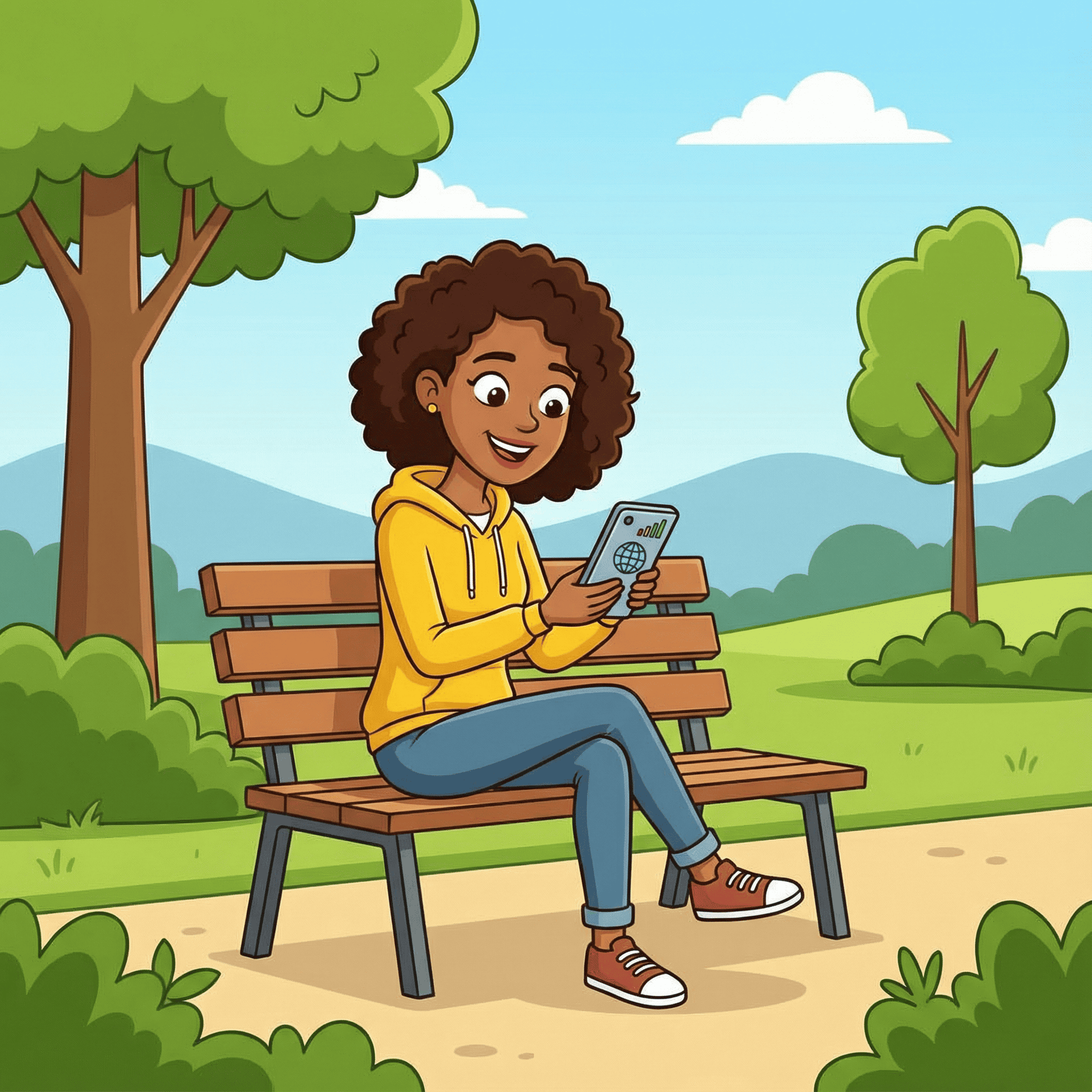
What happens when you’re not at home? That’s where mobile data comes in. Mobile data uses nearby phone masts to send and receive information over the internet—no wires or routers needed.
It’s ideal when you’re out and about. You can send emails, browse websites, and even join Zoom calls using mobile data. But be aware: it usually comes with a data cap. Using video streaming or social media can eat through it quickly, so switch back to Wi-Fi when you’re home.
Common Questions When Learning How To Get Started Online
-
Why can’t I connect to Wi-Fi?
Try turning the router off and on. Still no luck? Check if other devices are connected. If none are, the issue may be with your internet provider.
-
Can I get online without Wi-Fi?
Yes. If you have a smartphone with mobile data, you can browse the internet without needing a home router.
-
How do I know if I’m using Wi-Fi or mobile data?
On most phones, you’ll see a small Wi-Fi icon when connected. If not, you may be using data—often shown as 4G, 5G, or LTE.
More Information
If you’d to learn some more about getting online have a look at the different websites below:
And Finally…
Learning how to get started online is a journey, not a sprint. Everyone has a starting point, and if today you understand Wi-Fi a little better than yesterday—you’re already winning.
Have you had any moments of confusion or clarity with your Wi-Fi setup? I’d love to hear your stories, questions, or discoveries in the comments. This is a friendly place to explore together.
Here’s a little transparency: My website contains affiliate links. This means if you click and make a purchase, I may receive a small commission. Don’t worry, there’s no extra cost to you. It’s a simple way you can support my mission to bring you quality content.